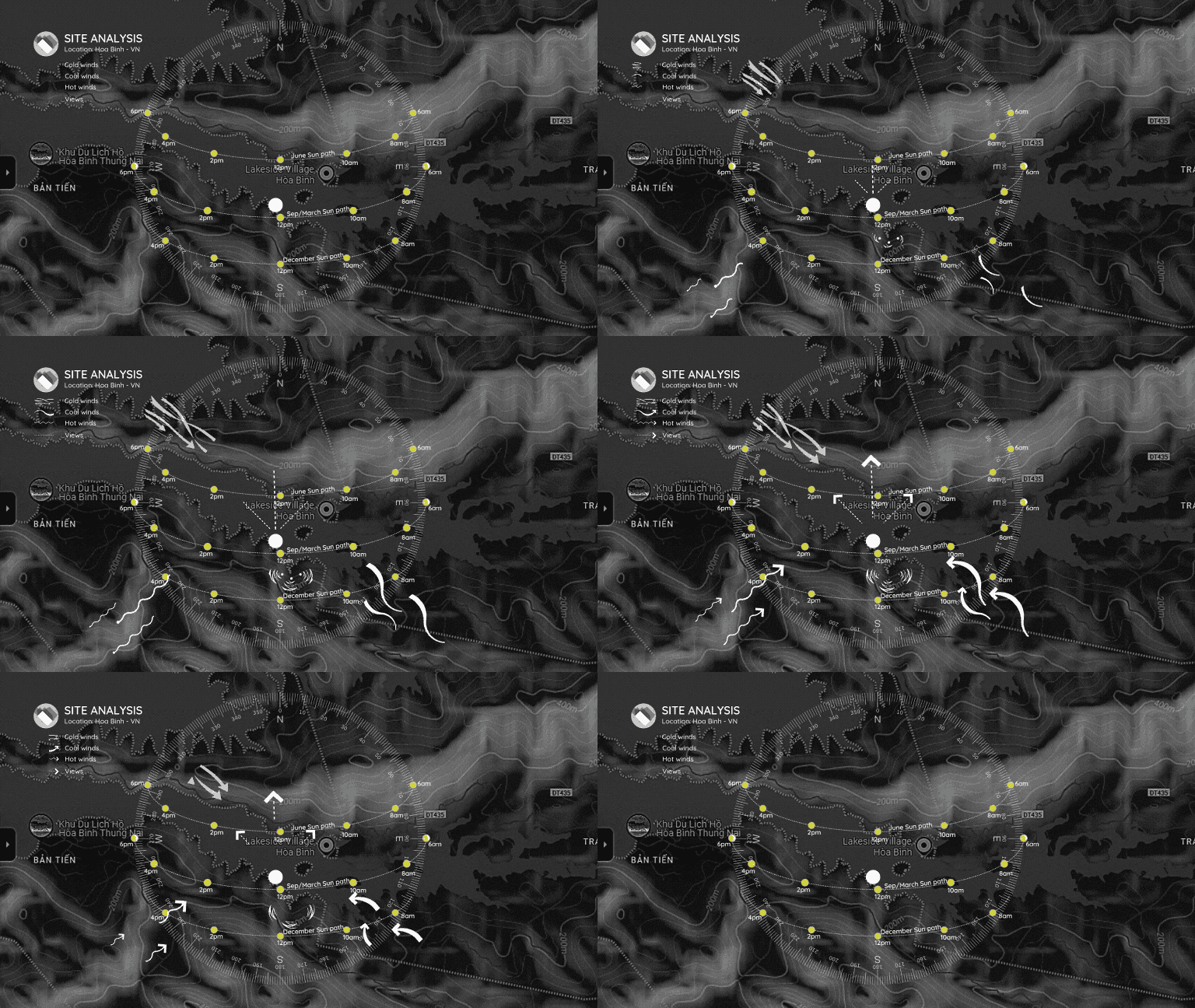
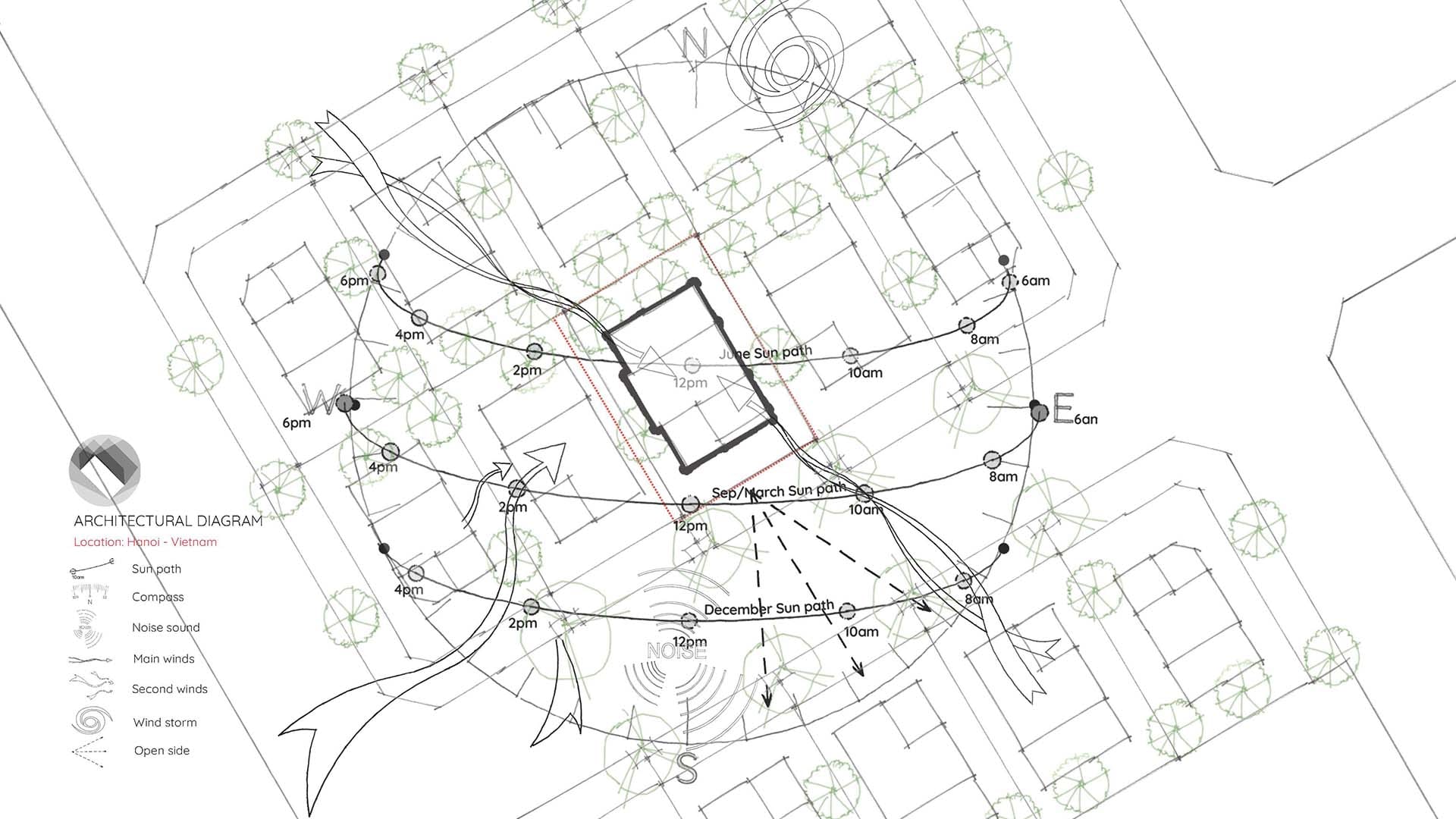
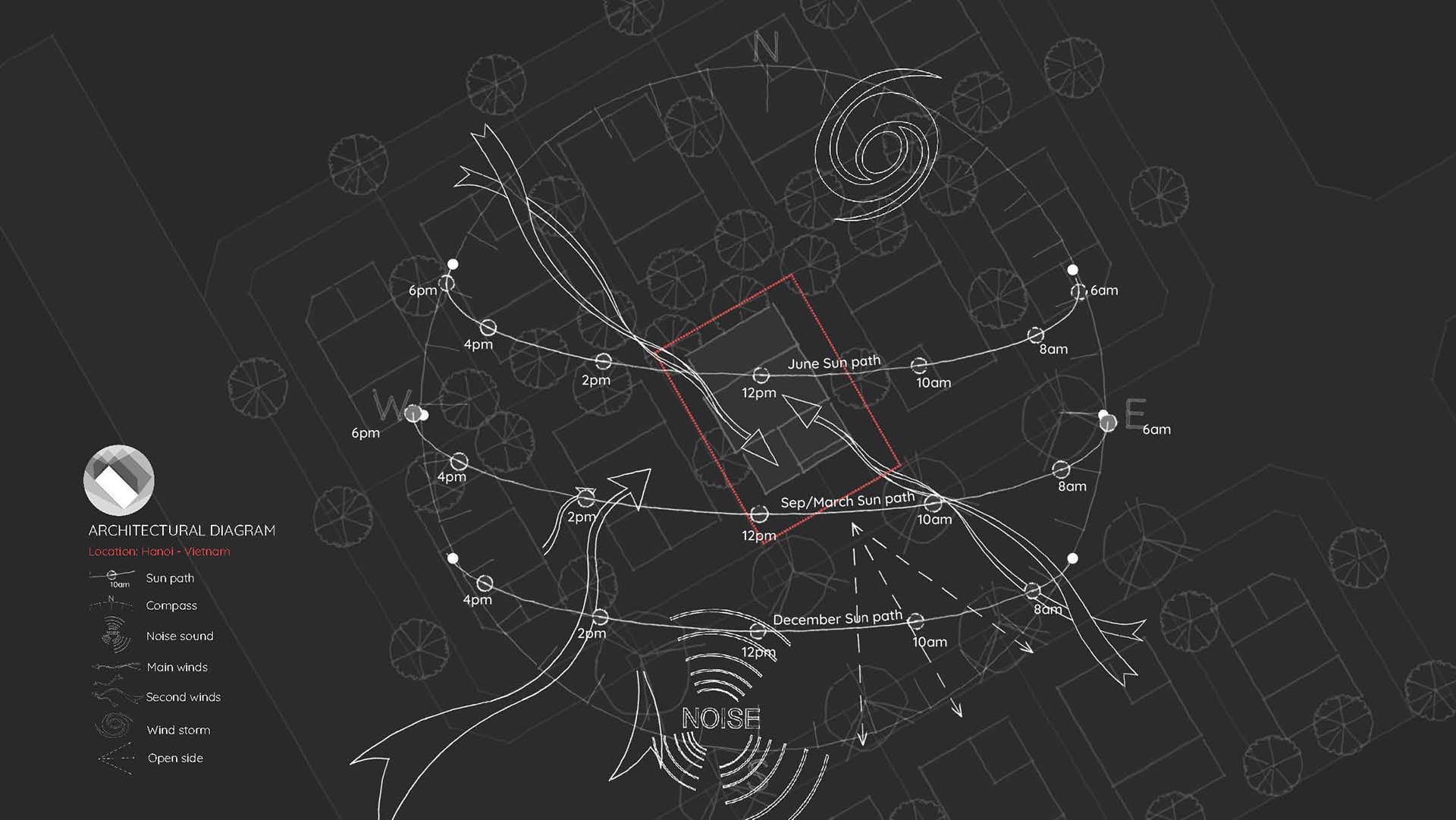
Architectural diagram with Canva template
https://youtu.be/SiLRXLJUnGghttps://youtu.be/vnIkhxApXZ8Creating architectural diagrams with Canva is easy and professional.
Motion symbols and notes are already integrated into the diagram. You just need to adjust the positions and directions to fit your project.
However, the sun’s path will vary depending on the research location. You can contact me to get the sun path for your project location.
Once you’ve completed your diagram, you can export an animated video or powerpoint presentation from Canva.
2. This template is ideal for architects, designers, and students
This template is used to create site analysis diagrams, shadow analysis, and include them in project presentations.
3. How to use
The file is a template I created using Canva, and I have integrated animated icons into it. It does not require Canva Pro.
Please preview the sample
Preview file Please visit the link below to use it.
(It will cost a small fee, please support me, thank you very much)
Link to template via Gumroad or
Link to template via Ko-fi It includes both the horizontal and vertical version layouts.
Thank you for support !