SAMPLE PROJECTS
Project example 68
How to Create a Sunlight Analysis Video with Sun Diagram, Photoshop, and CapCut
 SketchUp
 Sun Diagram
 Dynamic Symbols
Read Guide & Download
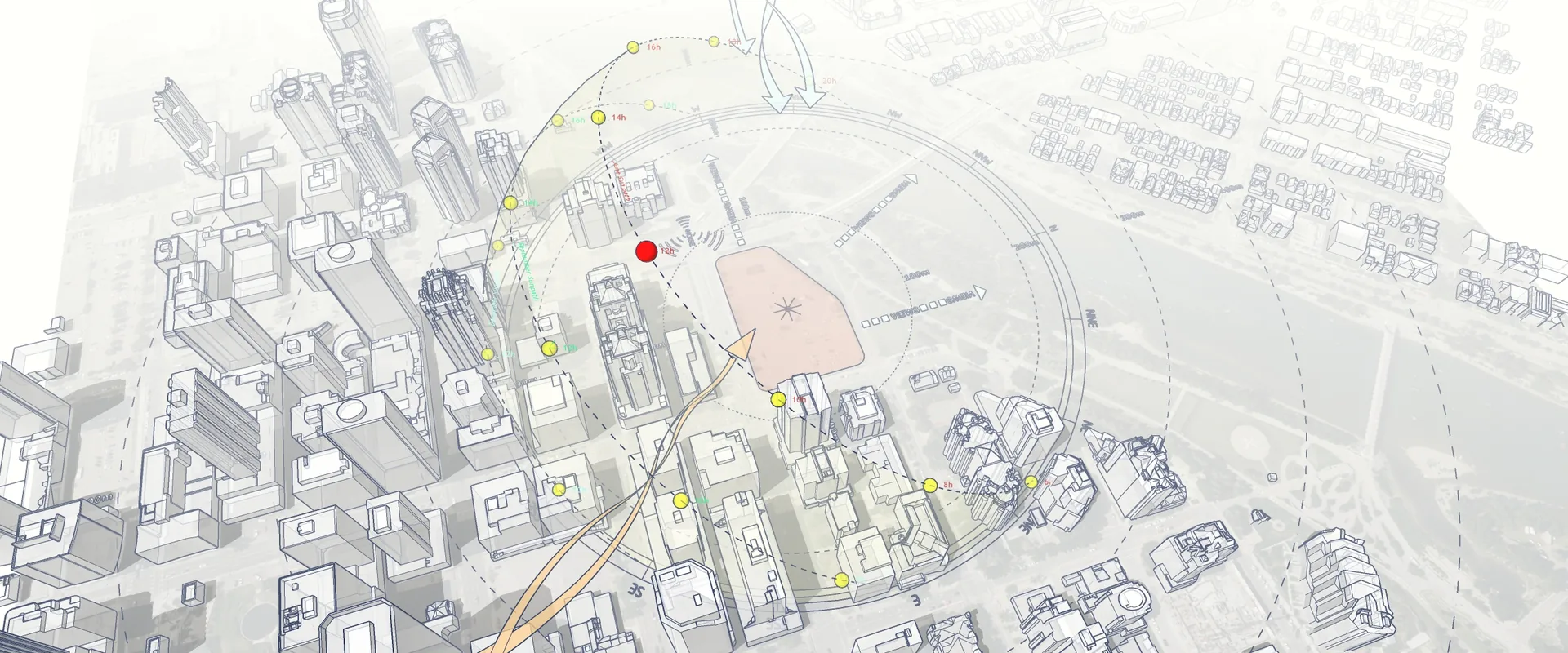
Comprehensive guides, solar study workflows, and clear diagram techniques for SketchUp, Photoshop & Canva.

Download free 3D models, site analysis sample files, dynamic symbols, and environmental study models.
Clean Canva presentation board templates, site analysis diagrams, and monochrome graphic assets.
Sun Diagram, Dynamic Symbols & Shadow Slice — purpose-built SketchUp tools to speed up diagramming by 10x.
Accelerate your environmental analysis, shadow sectioning, and diagram presentation in SketchUp.
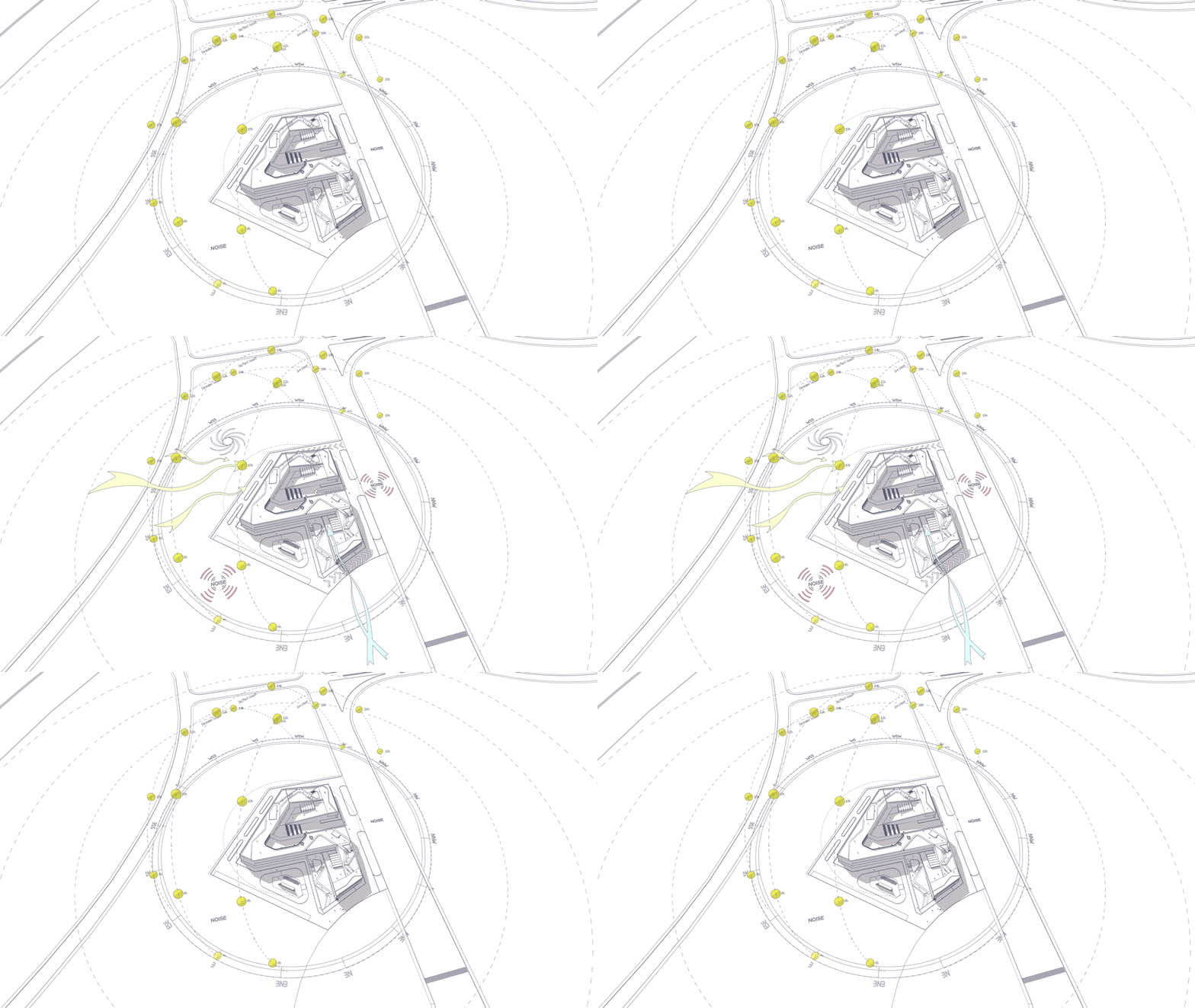
Dynamic Symbols is a SketchUp extension (plugin) that allows you to create animated symbols and switch between different states with just one click.
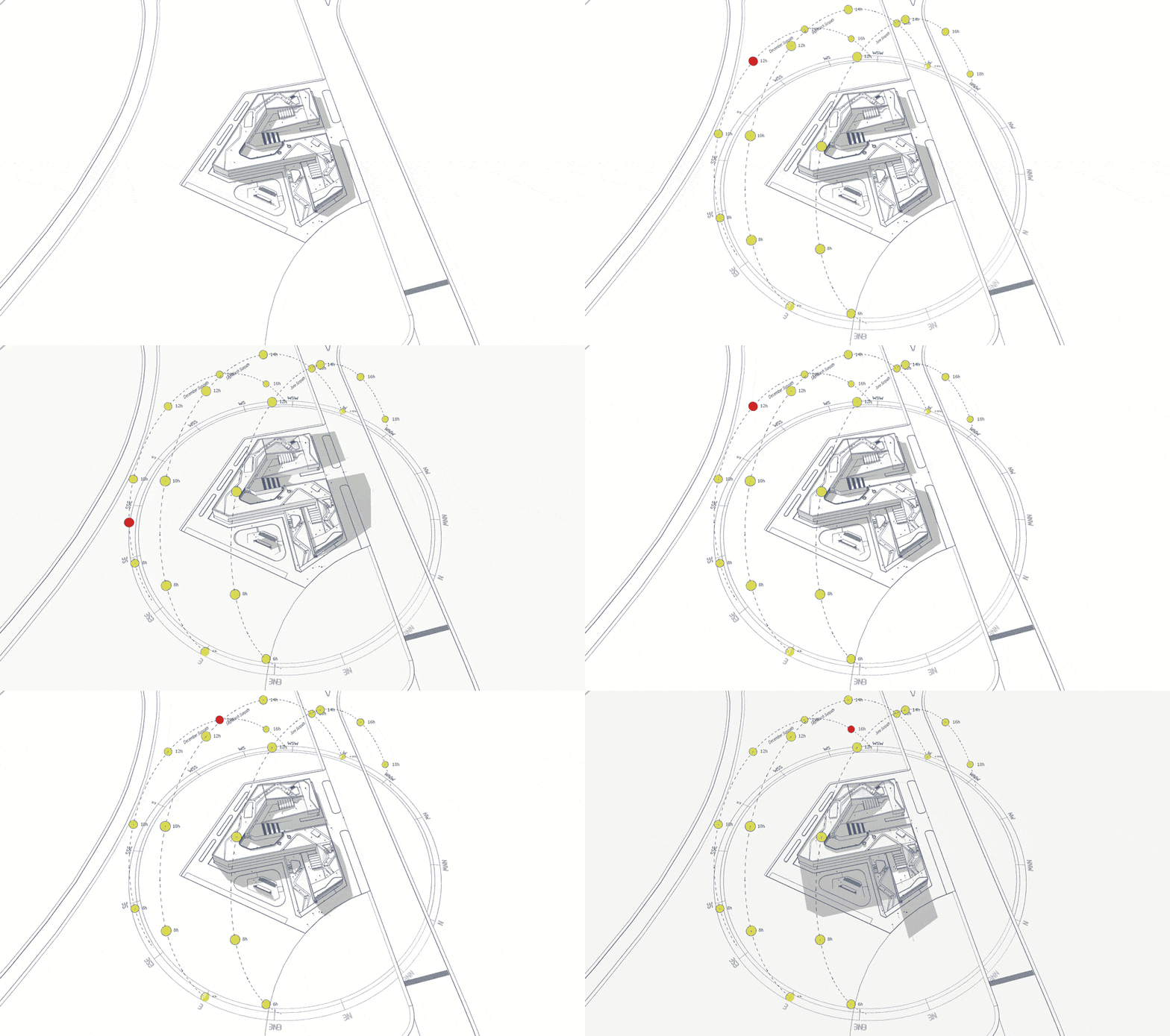
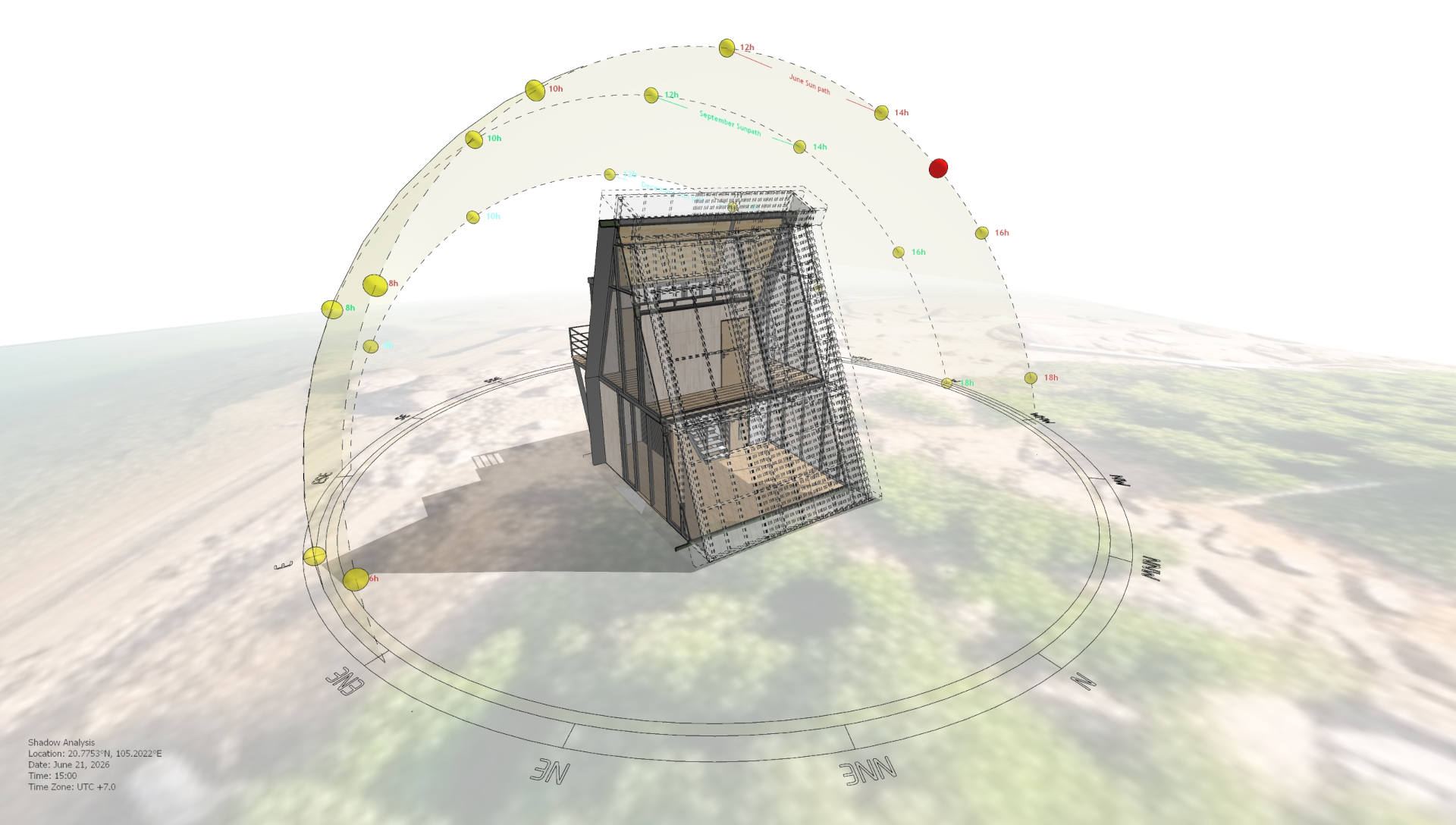
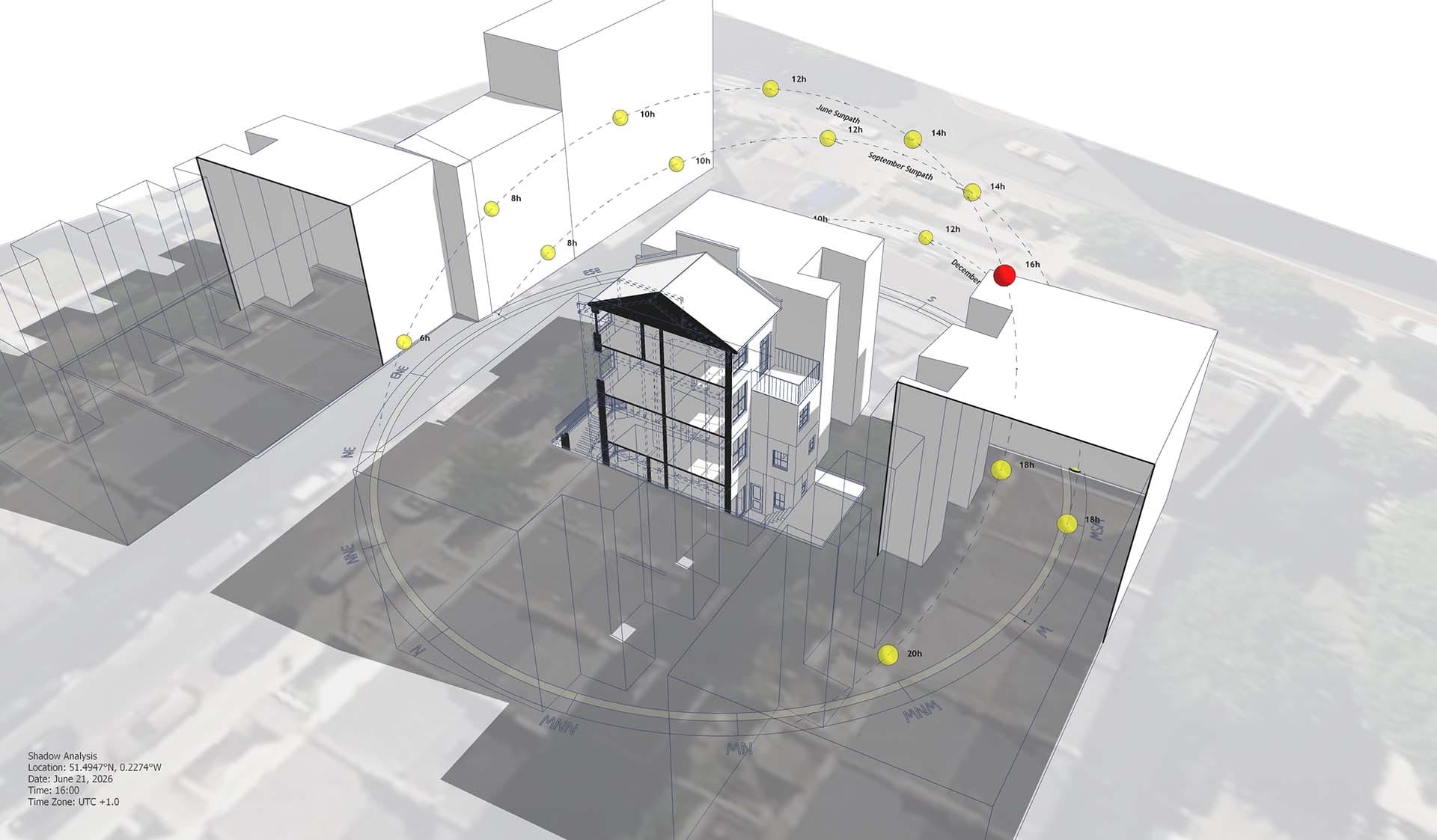
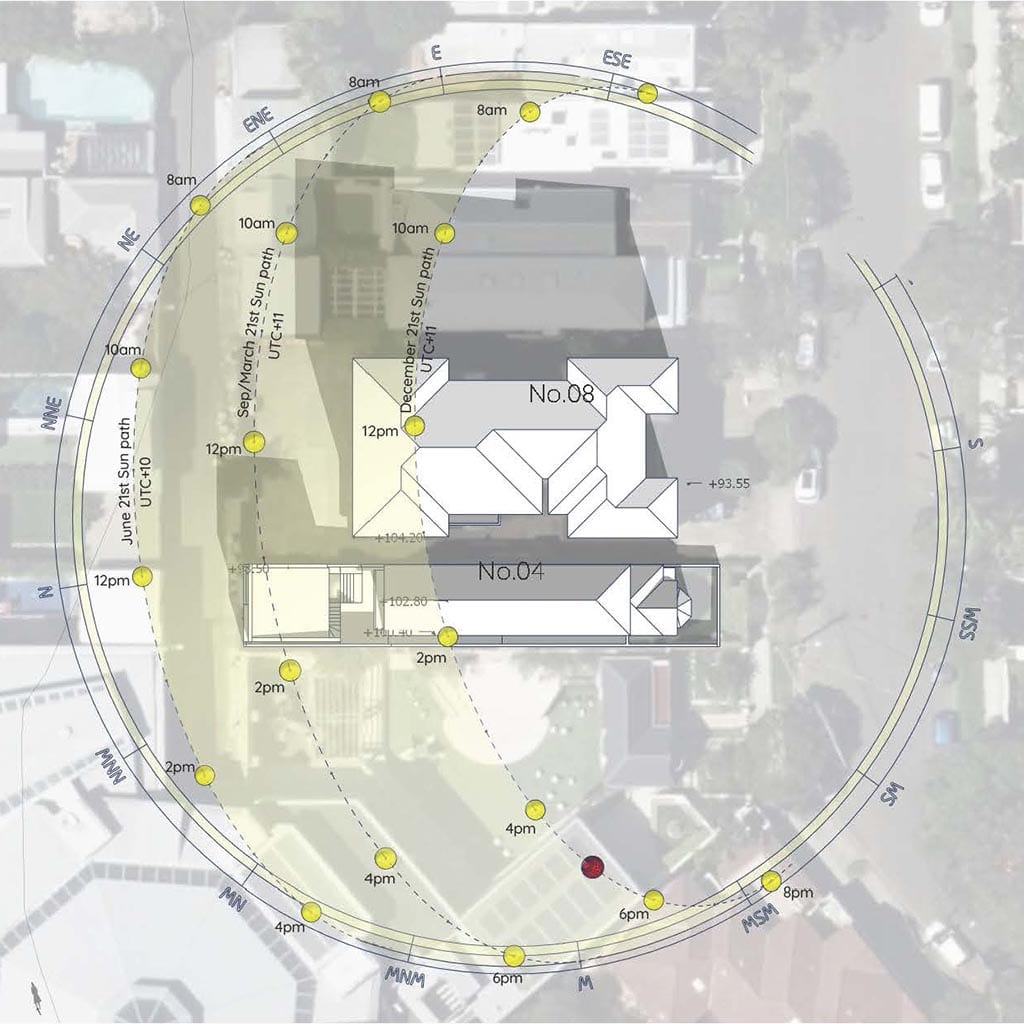
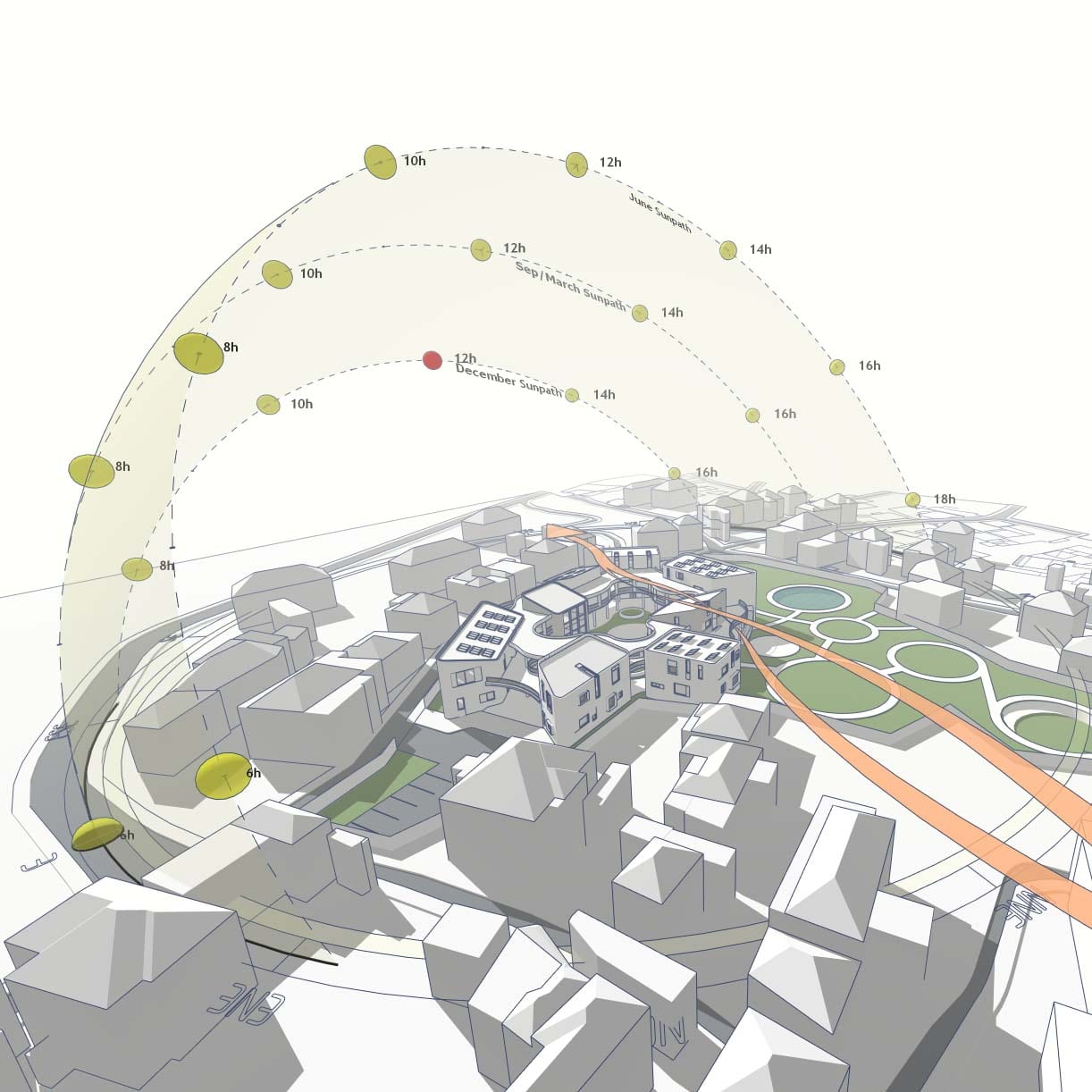
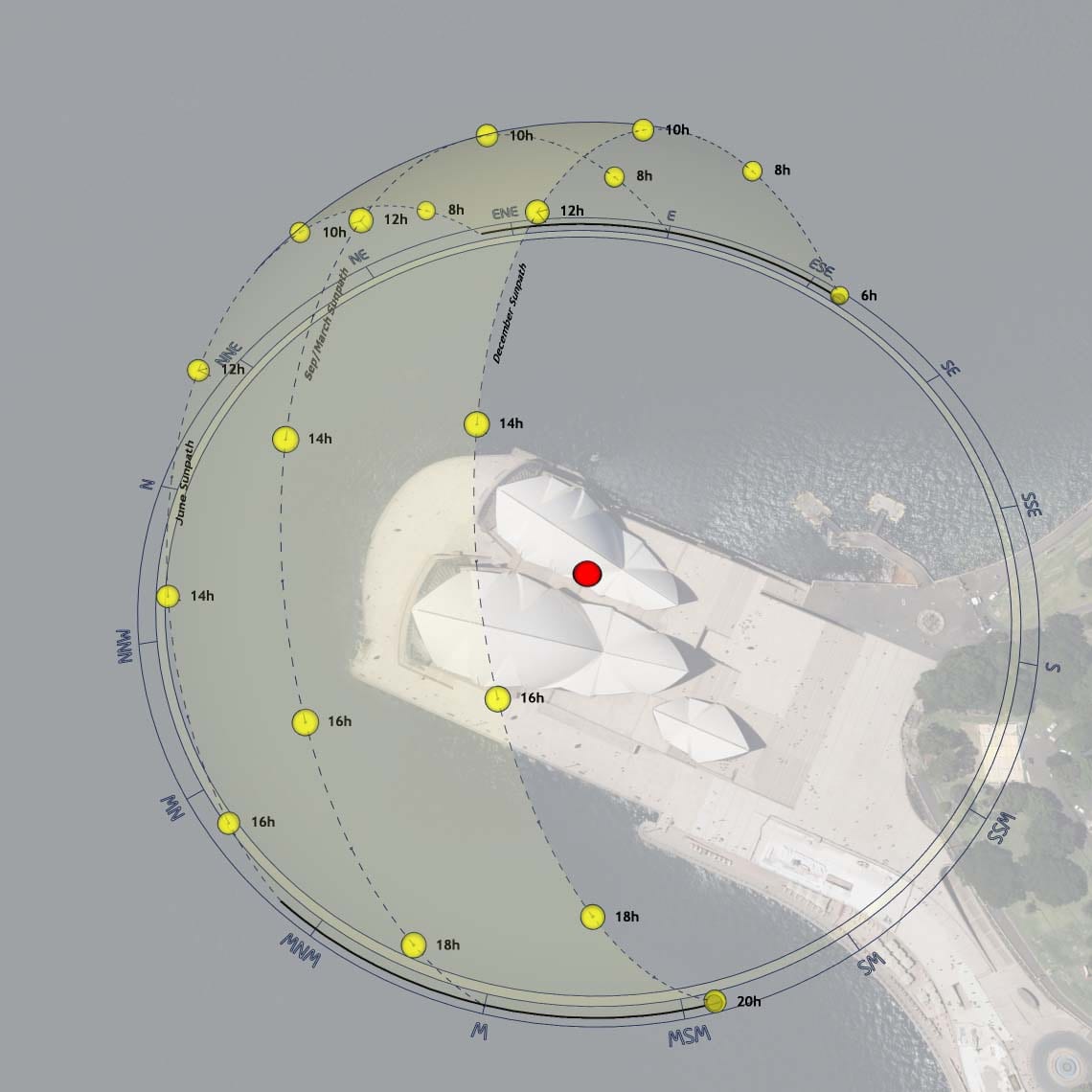
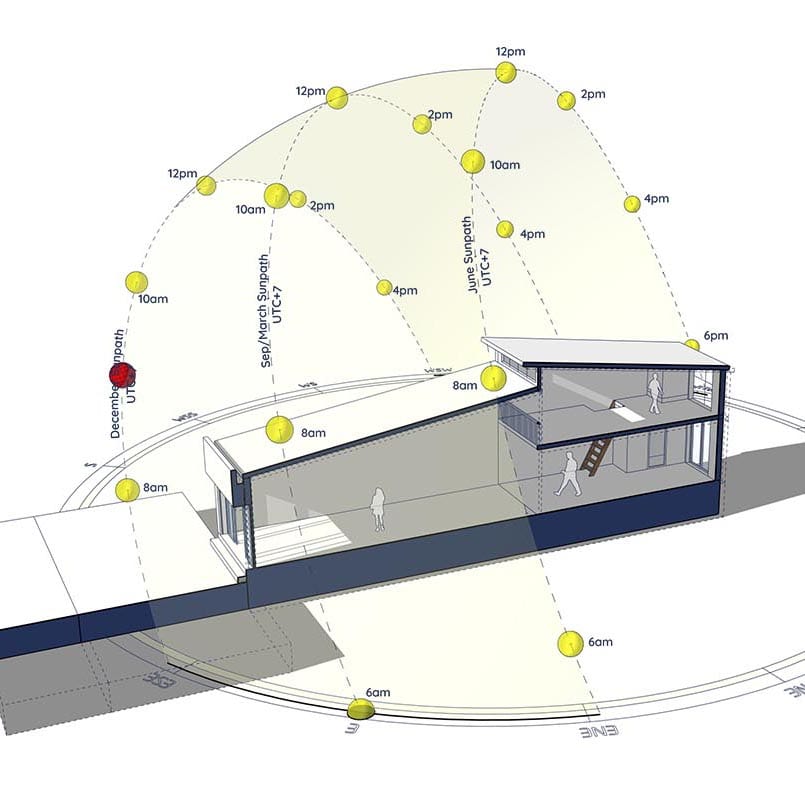
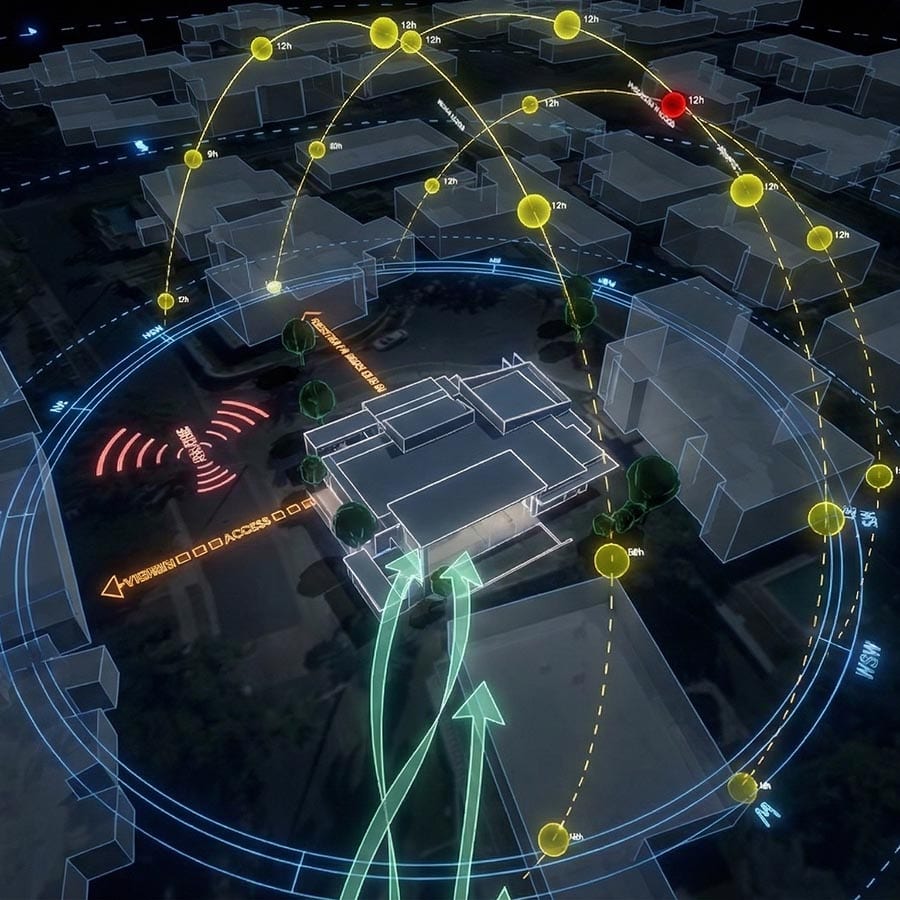
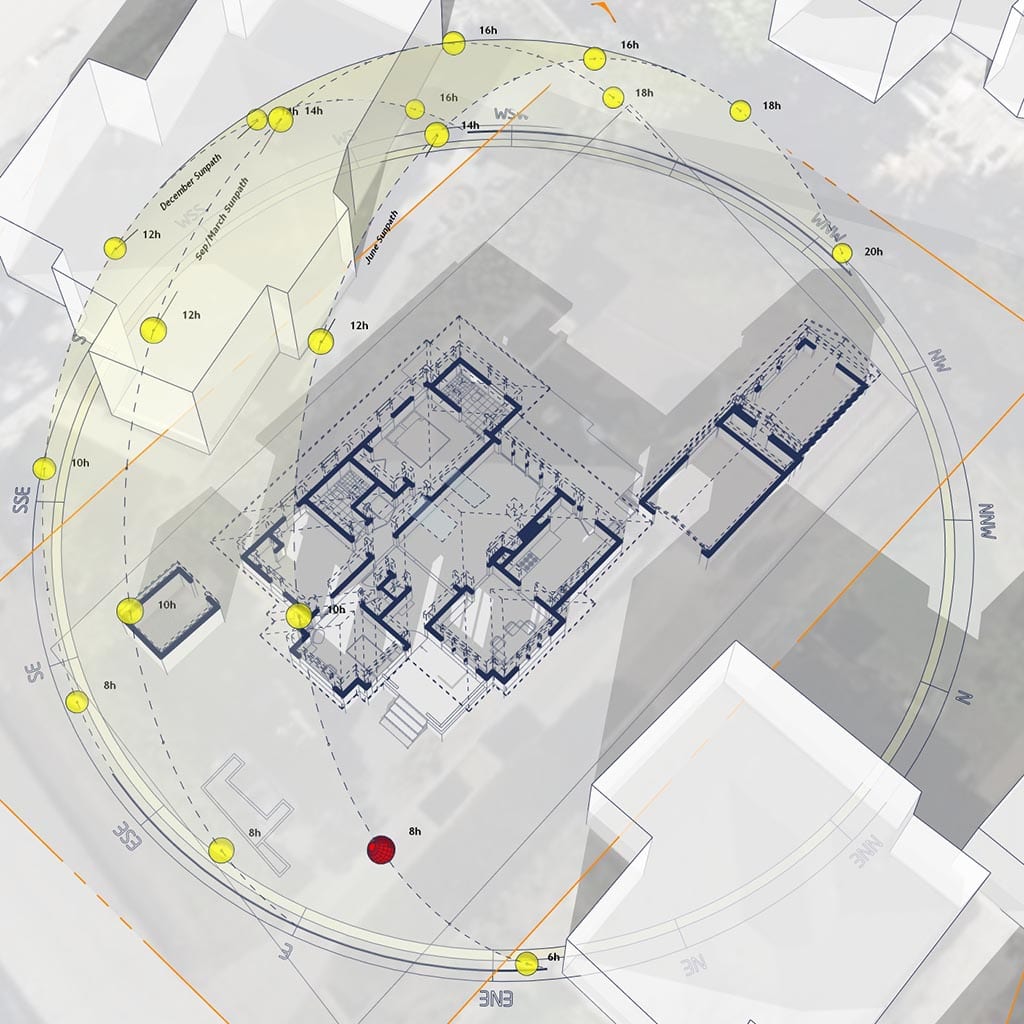
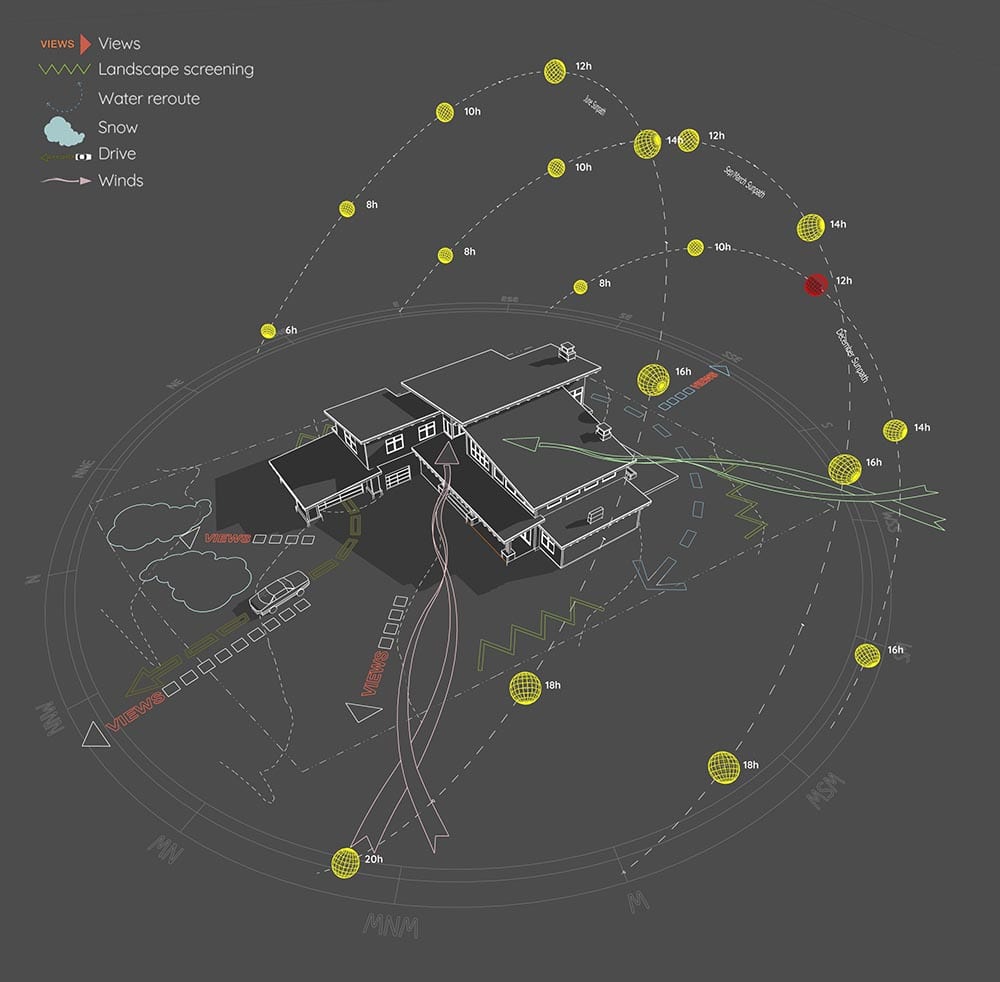
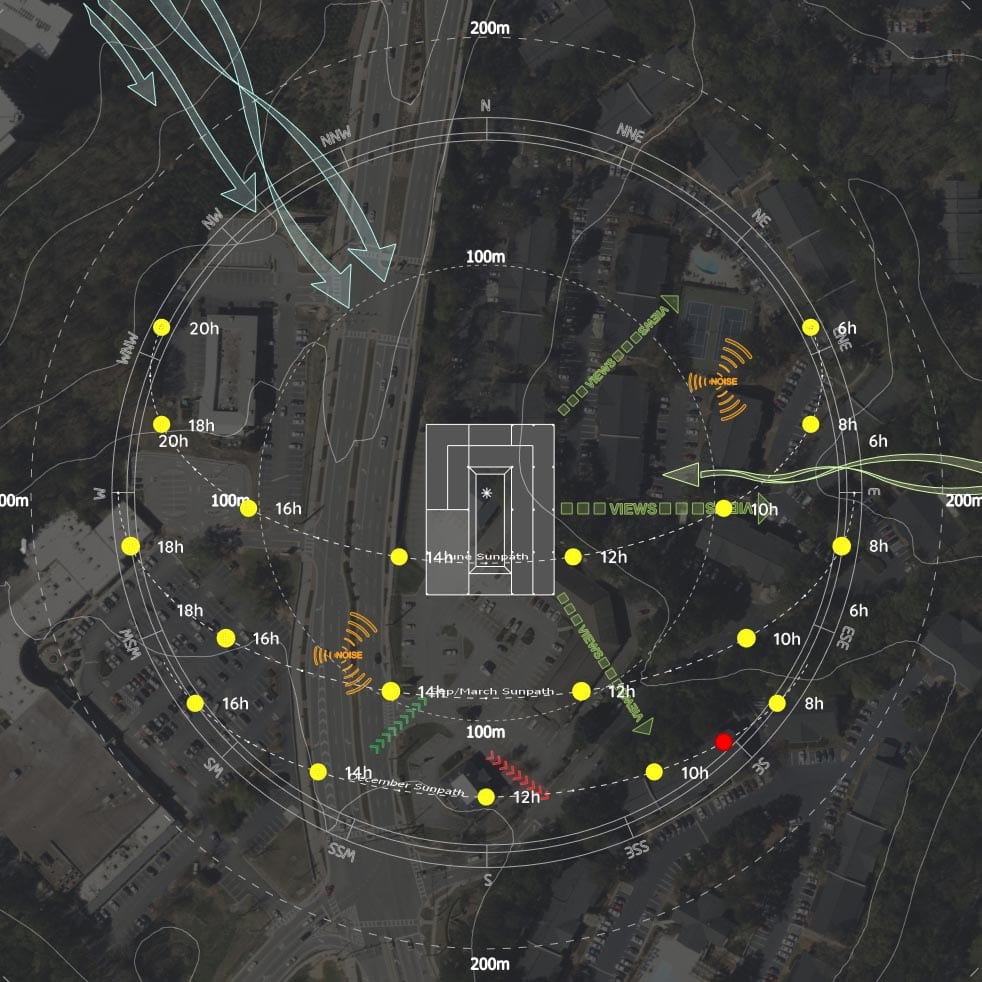
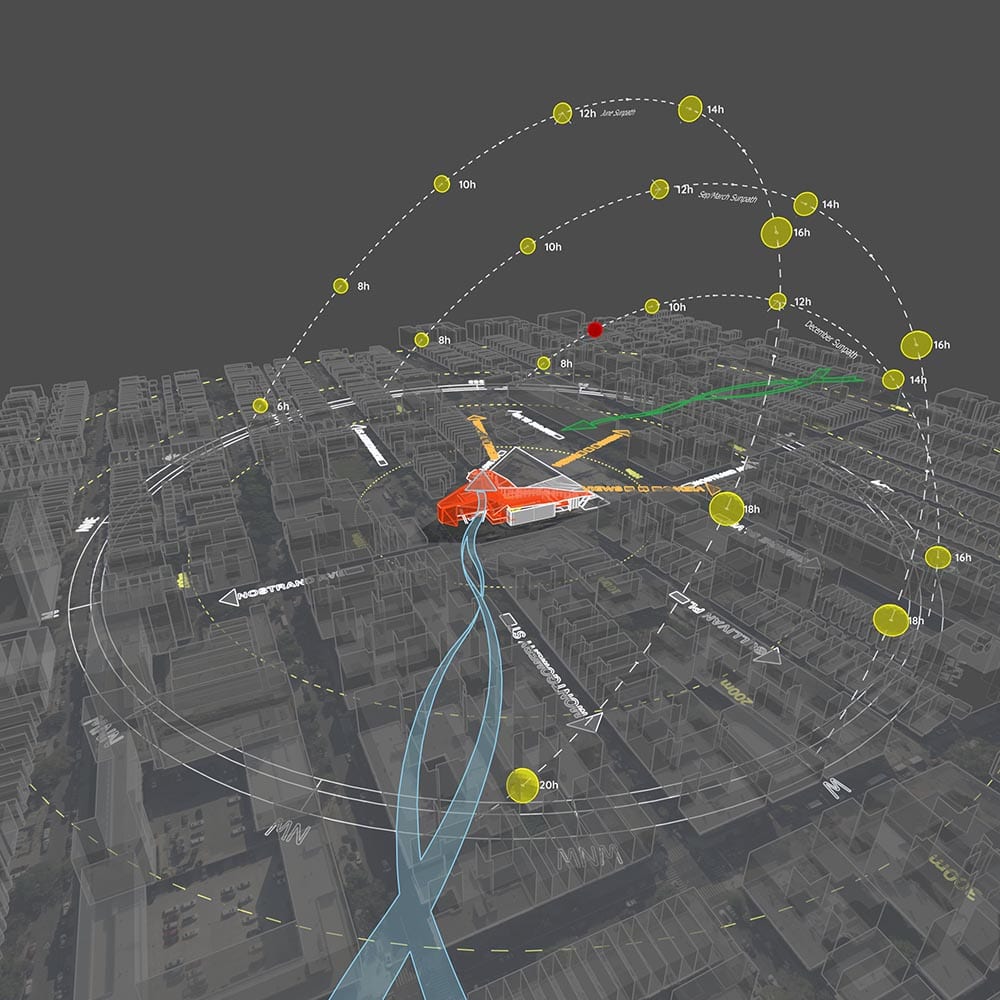
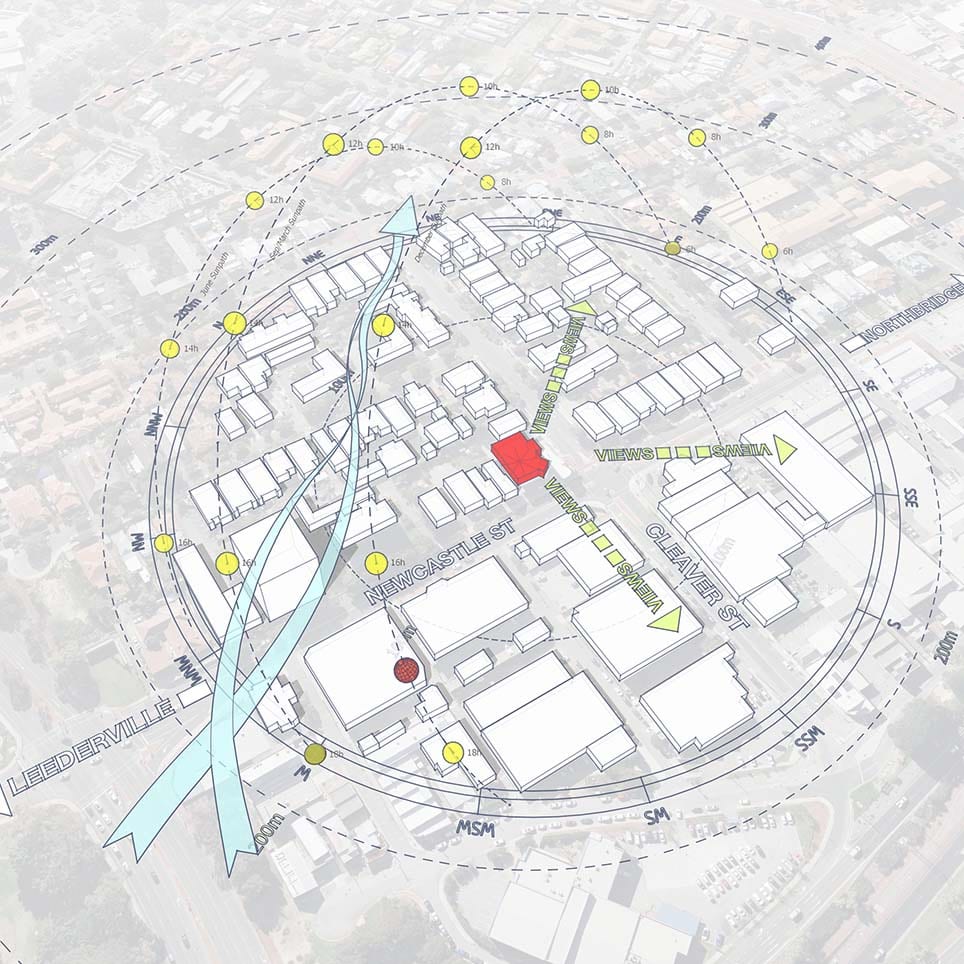
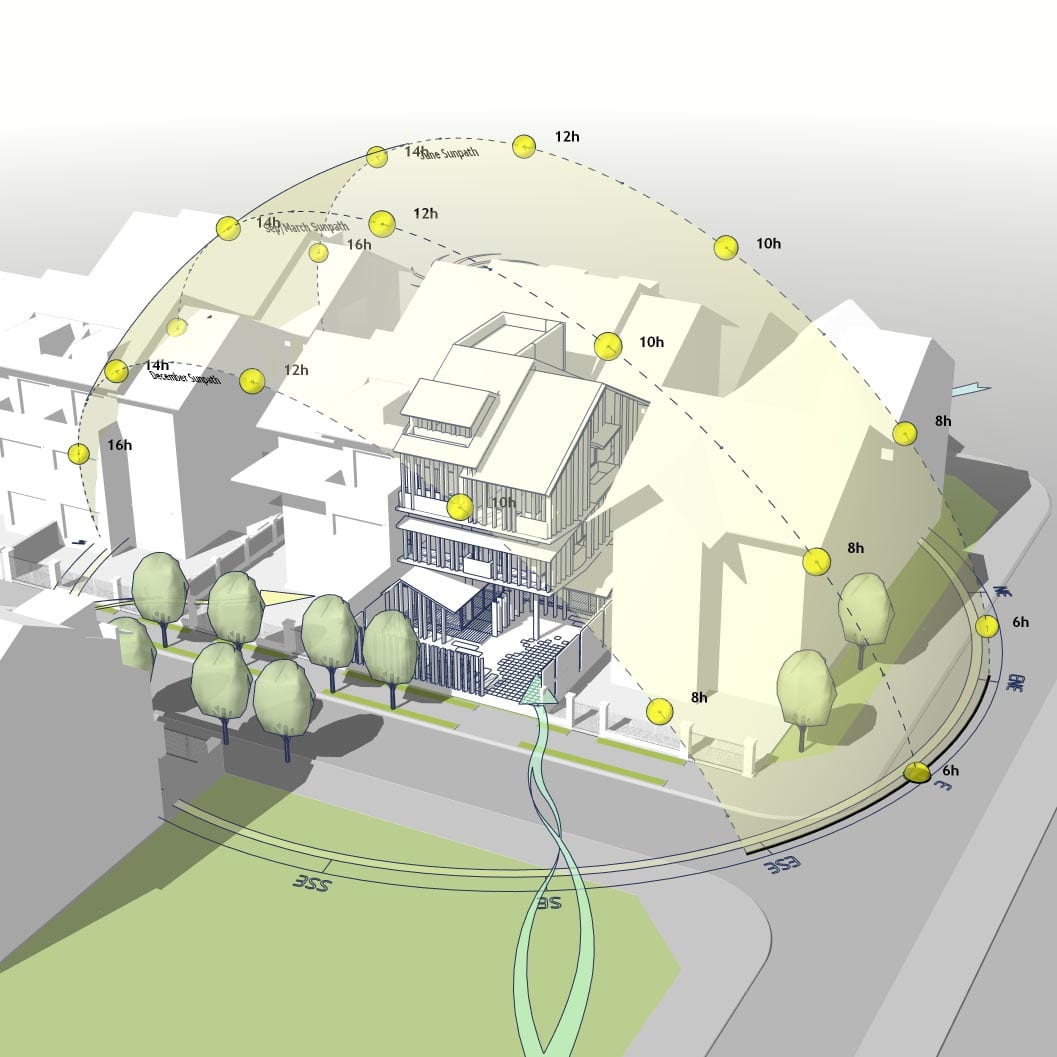
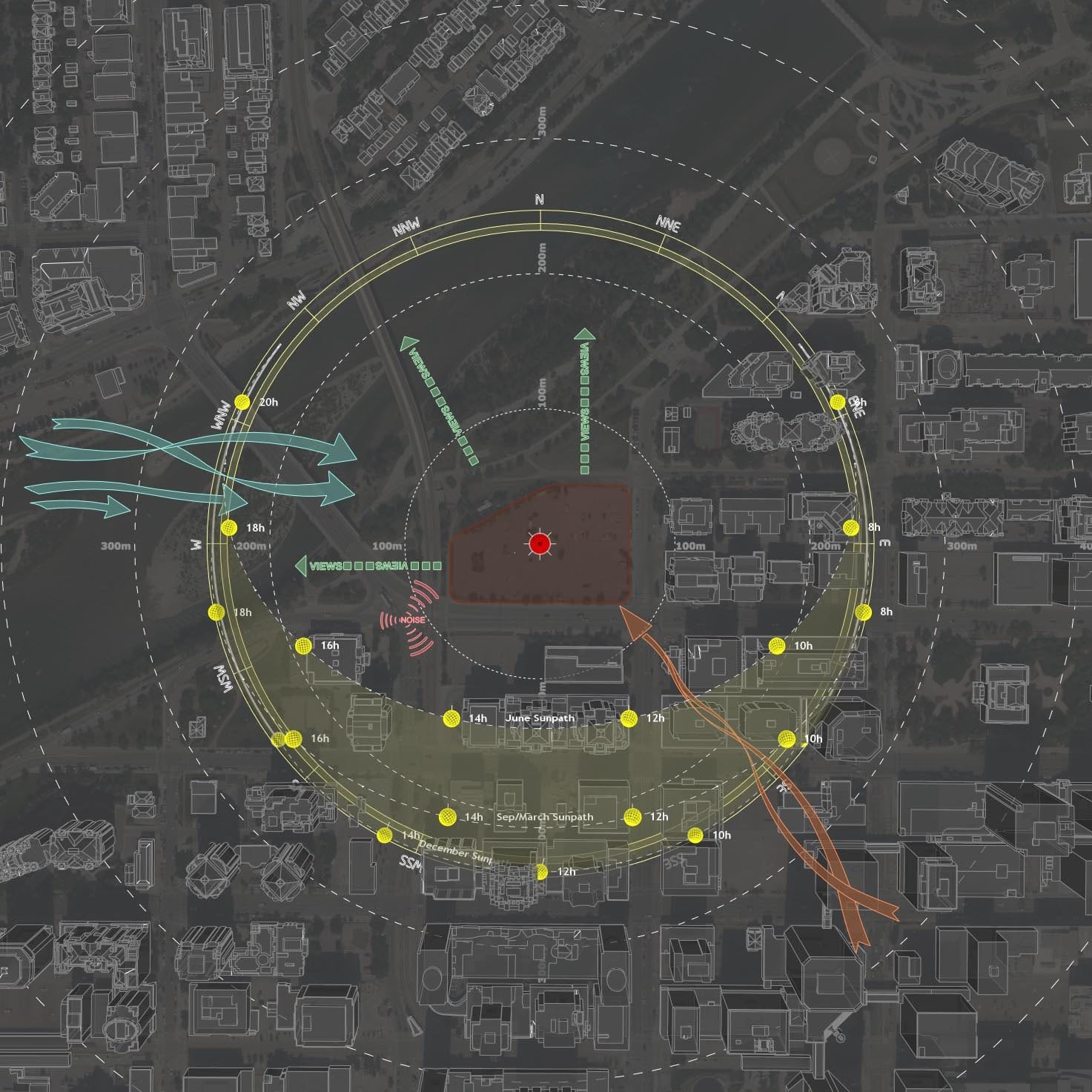
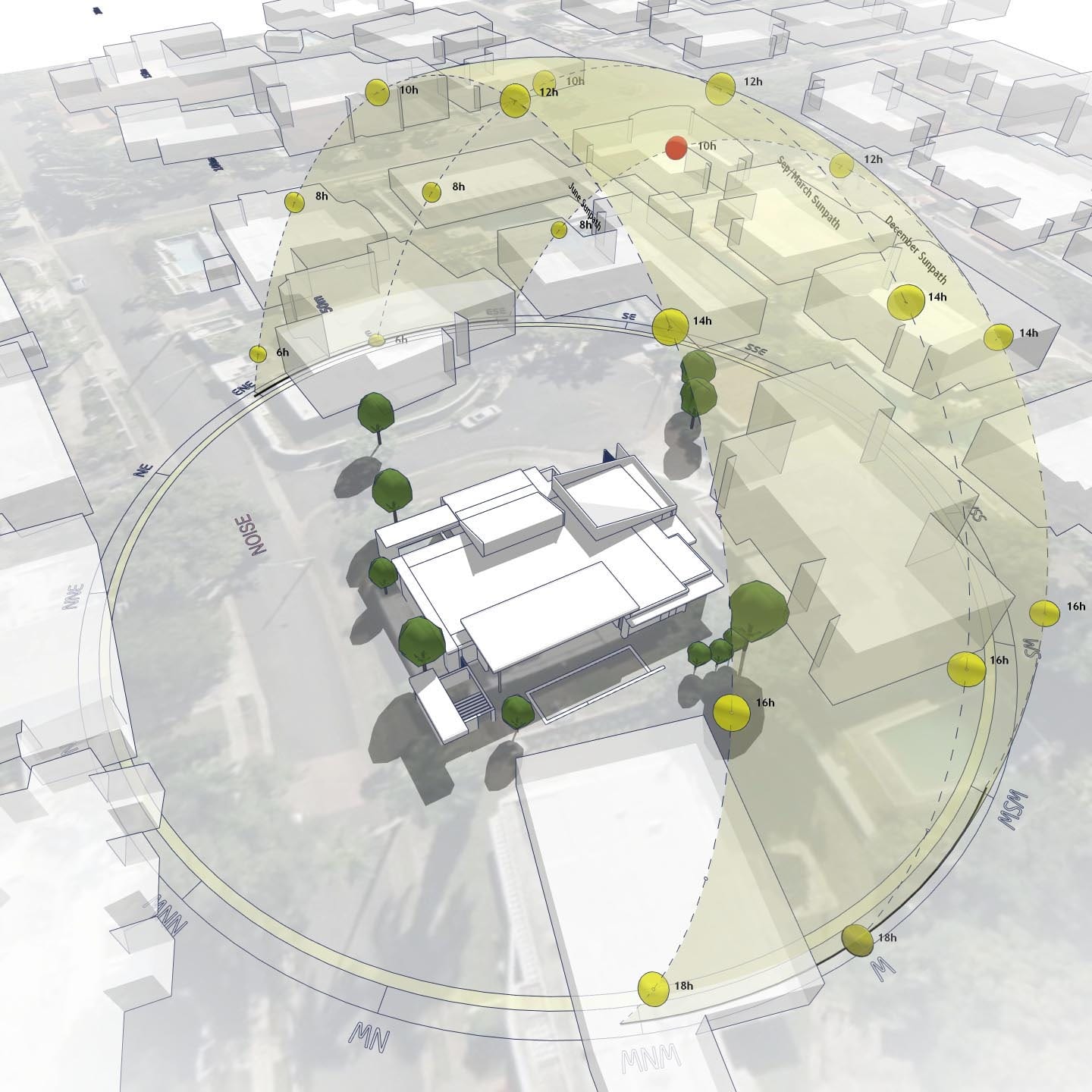
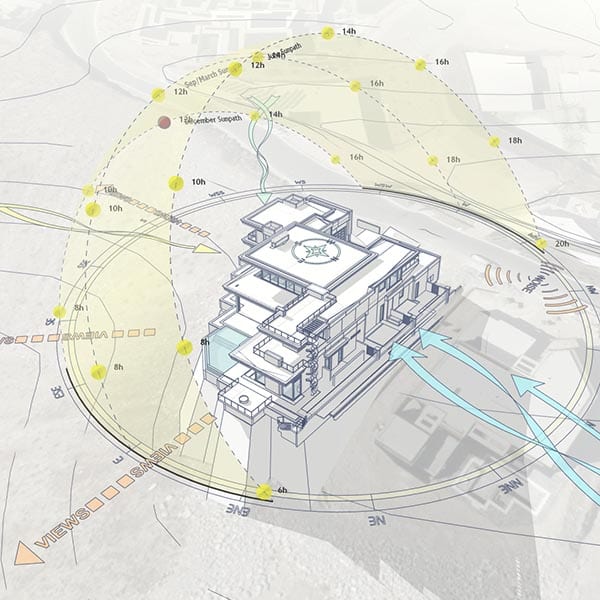
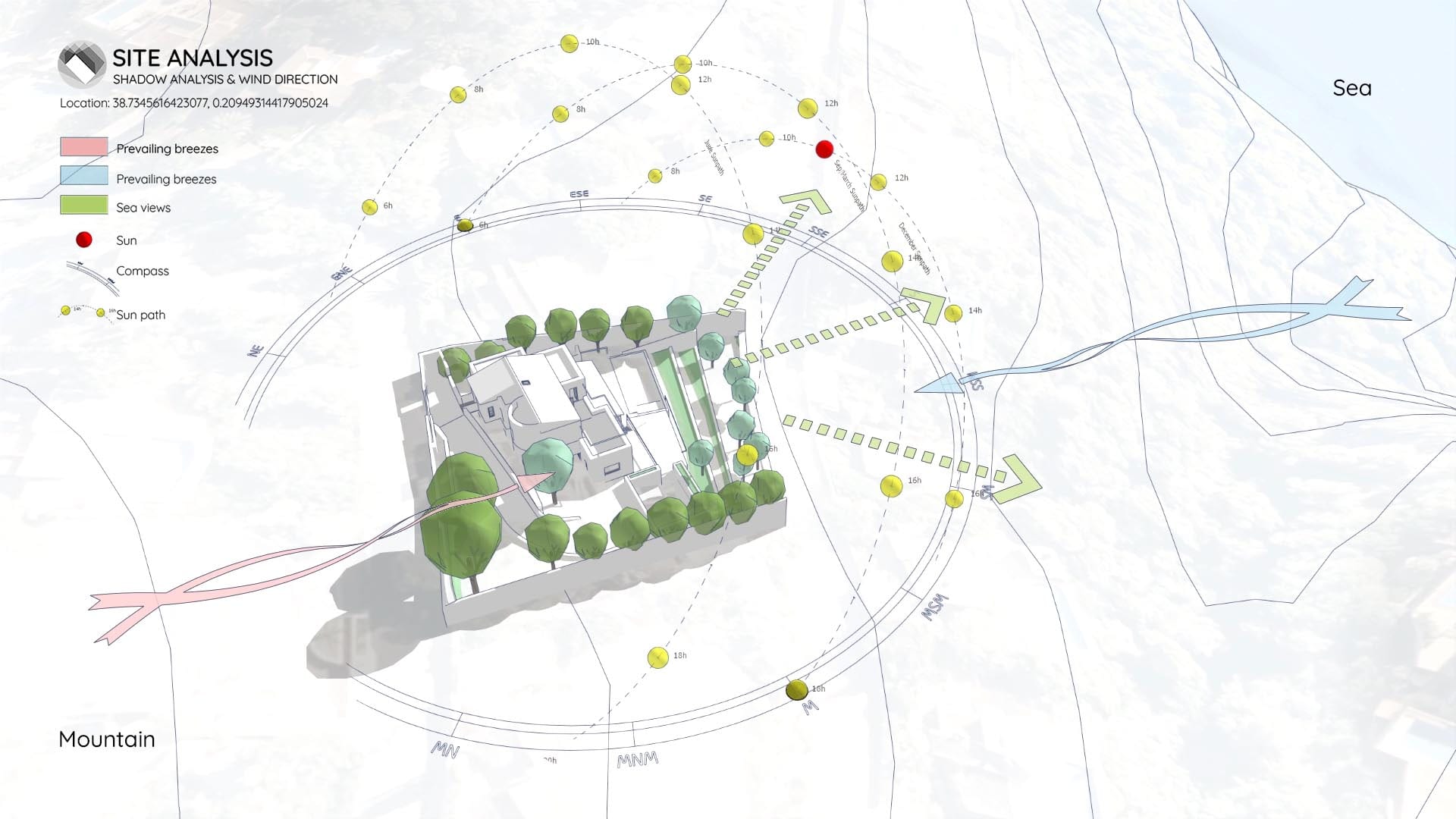
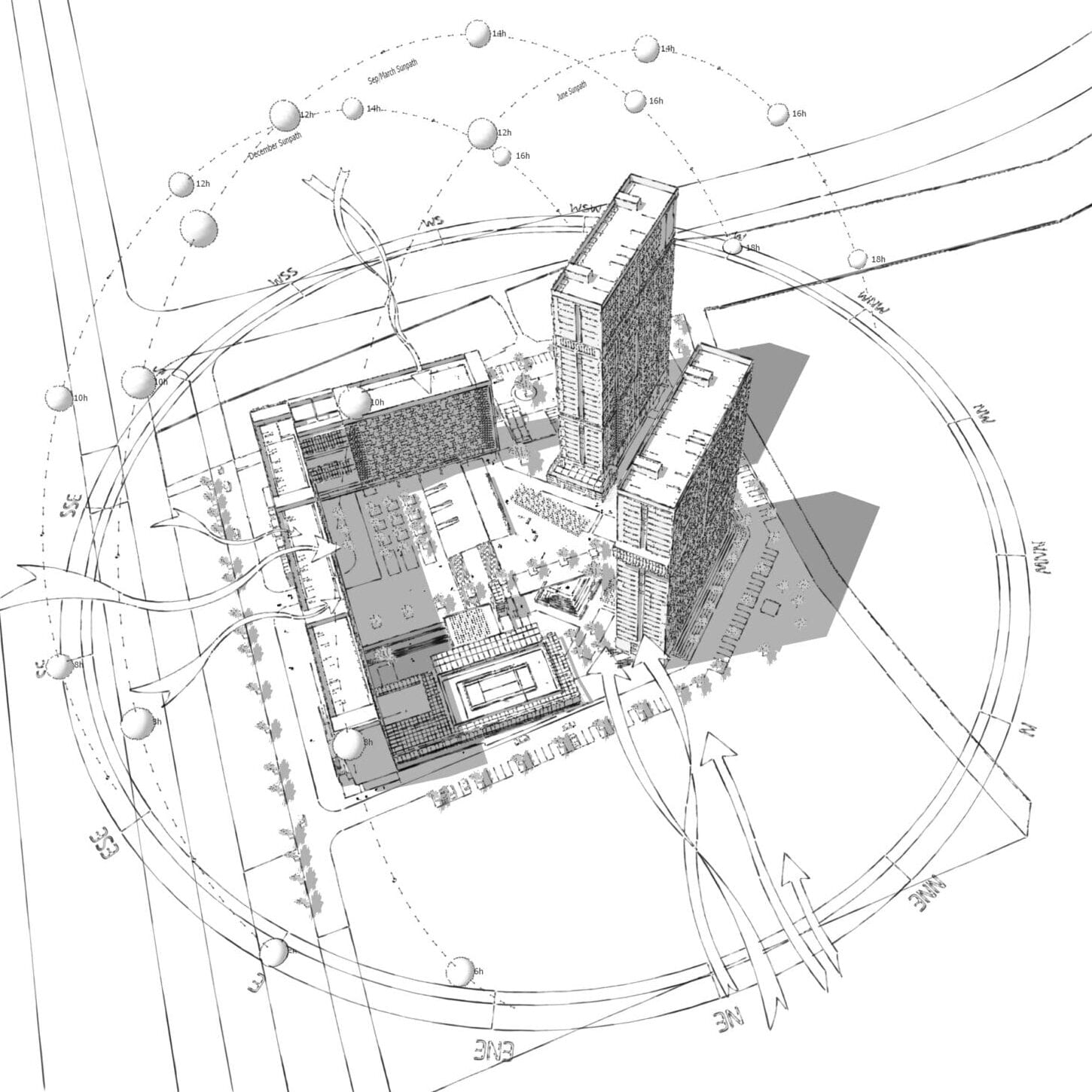
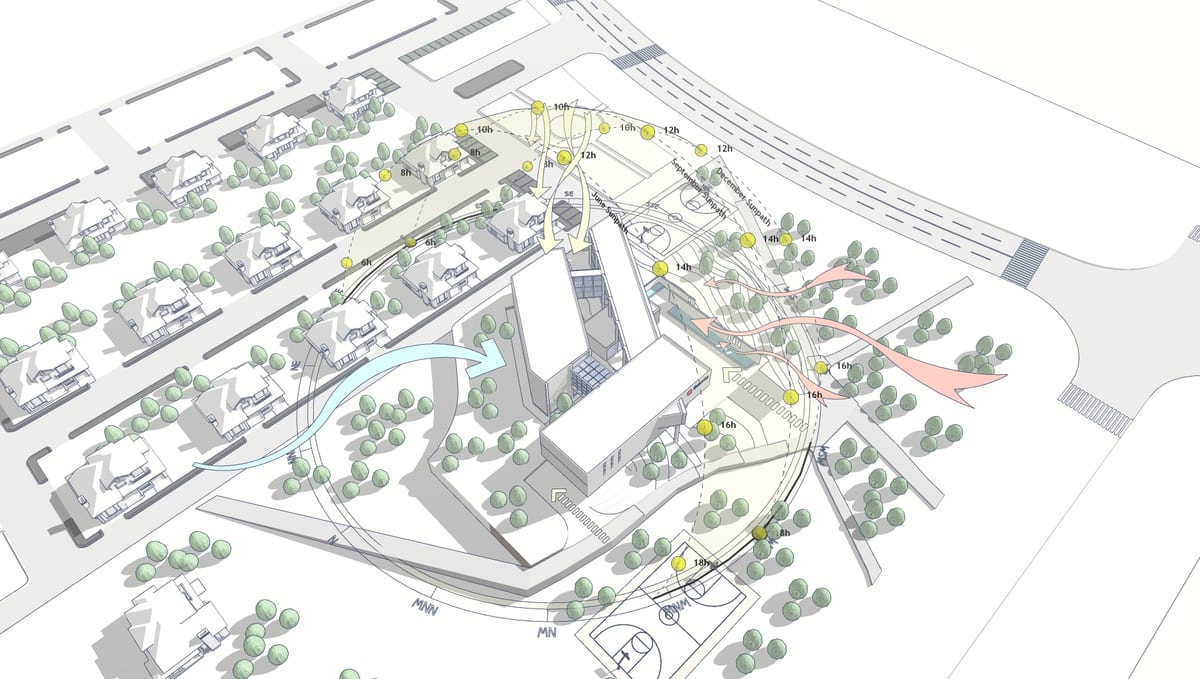
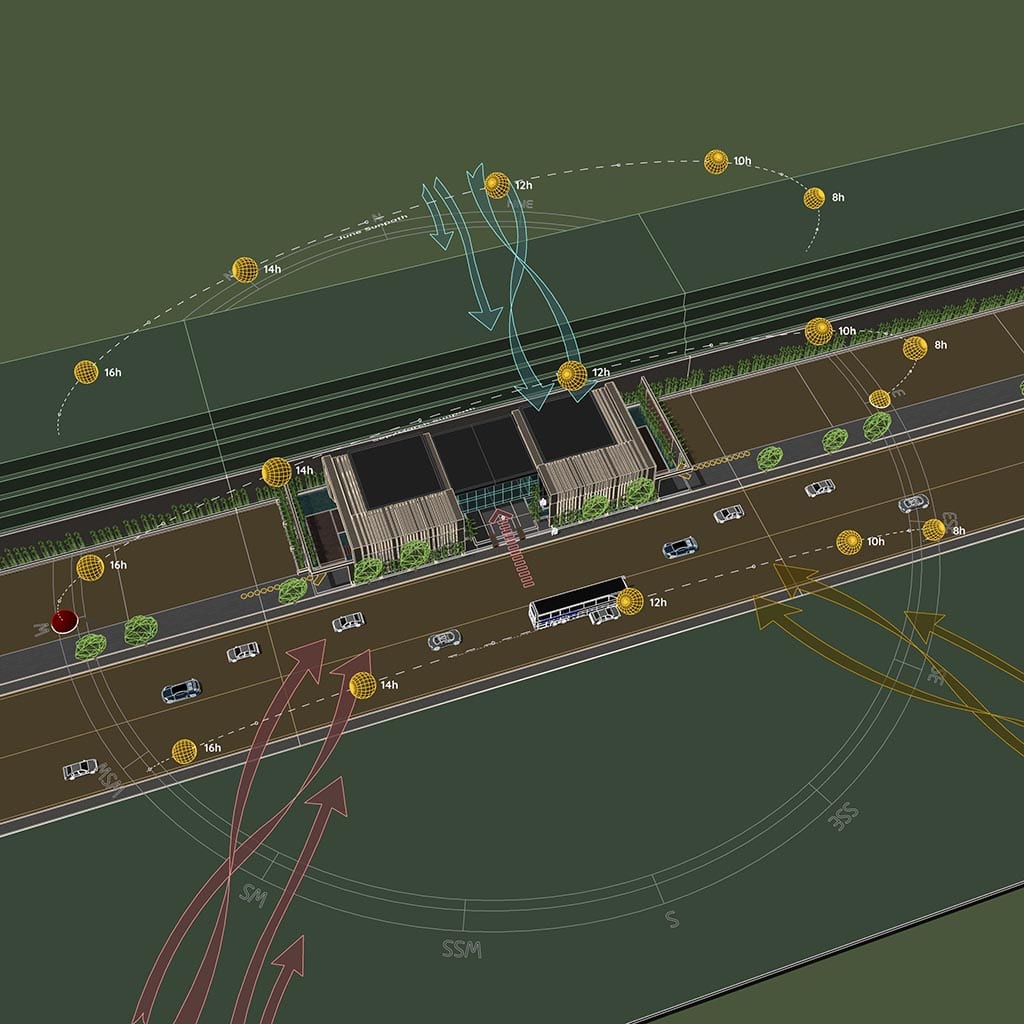
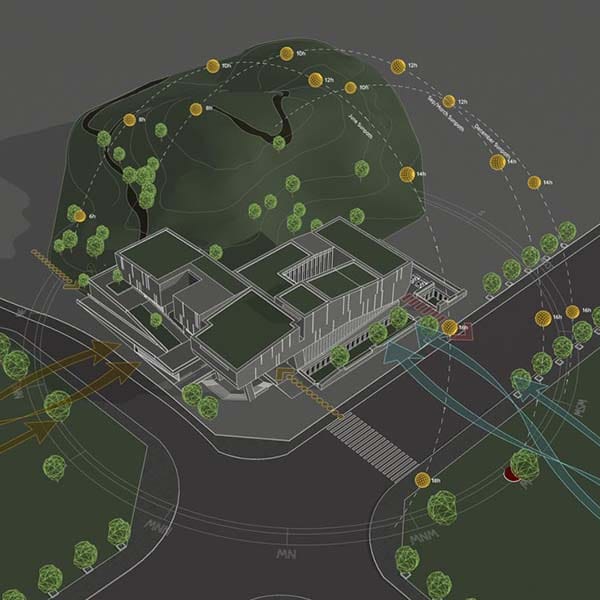
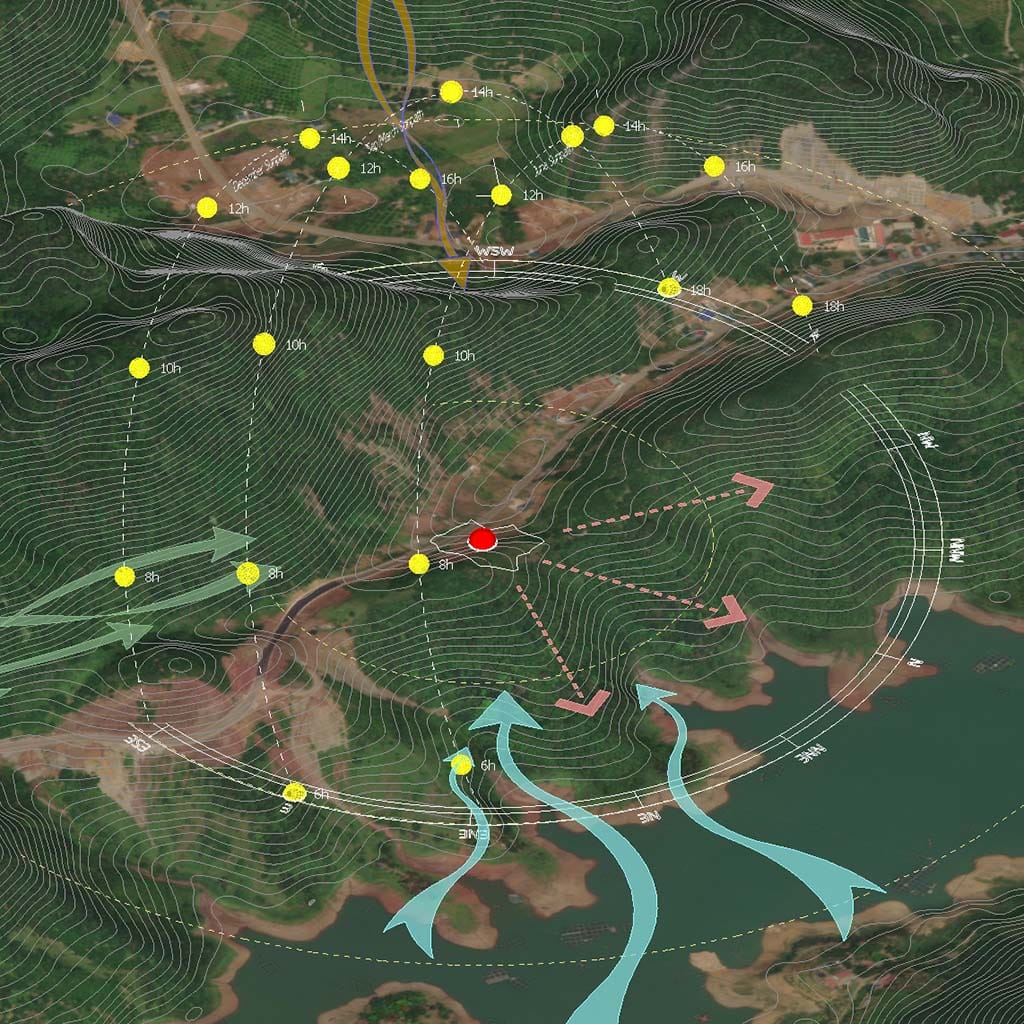
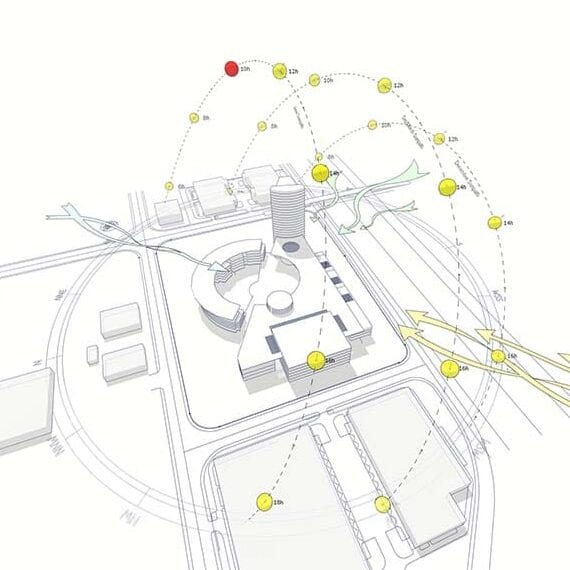
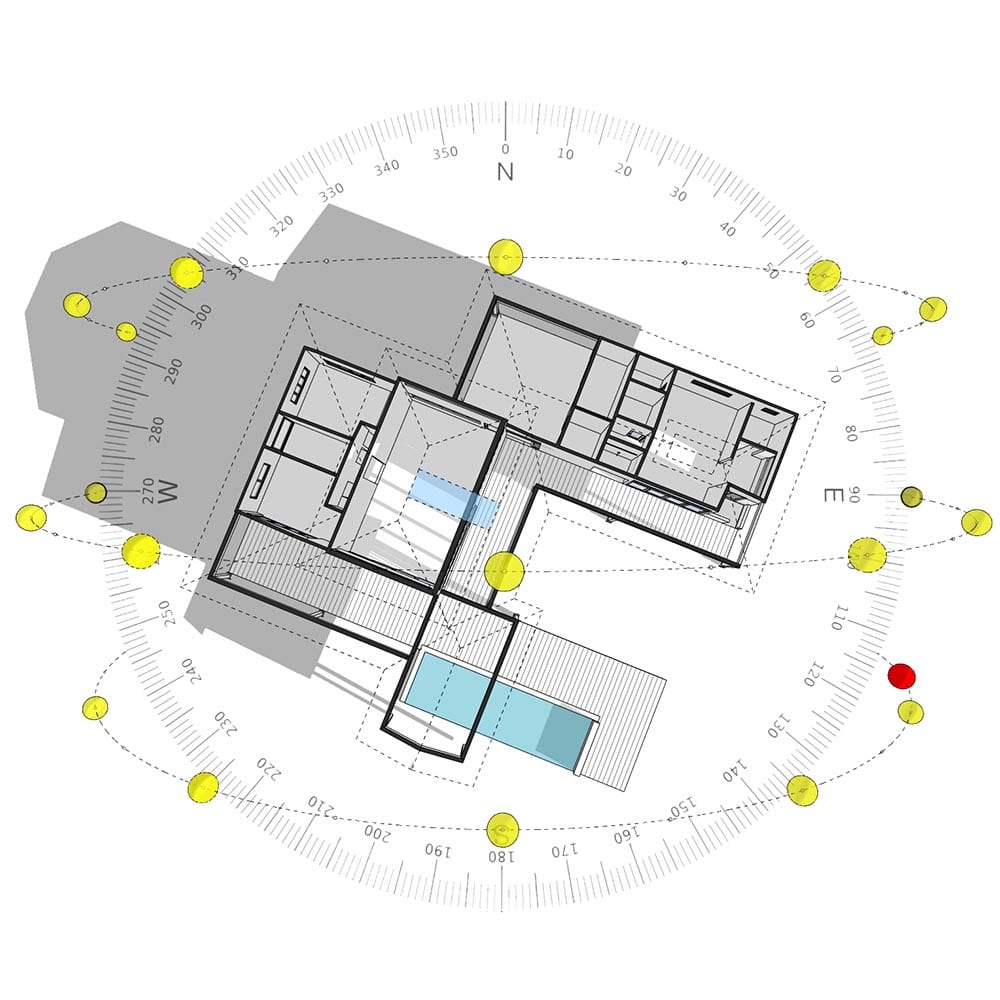
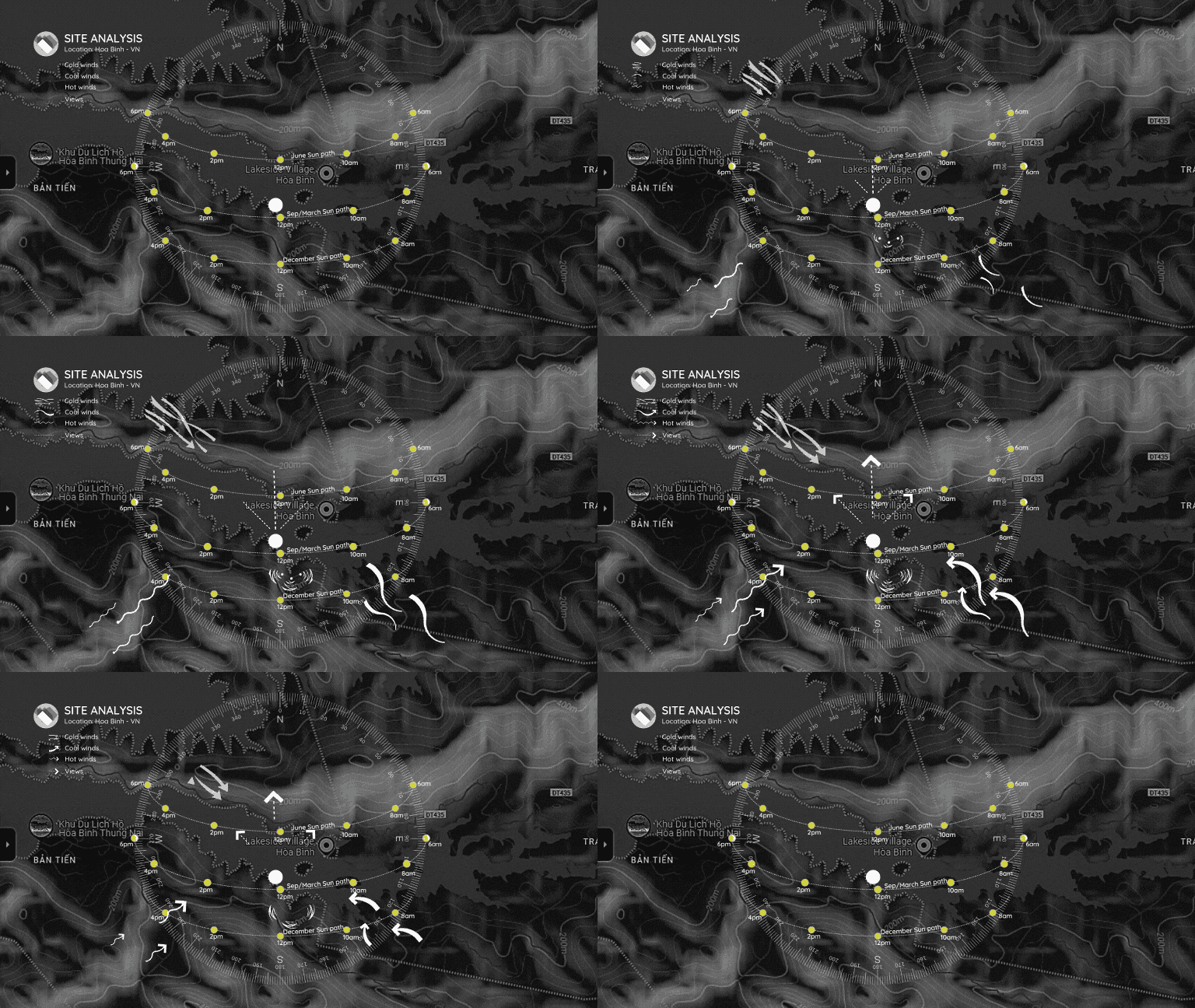
Sun Diagram is a SketchUp extension (plugin) designed to create 3D Sun paths and analyze sunlight for architectural projects.
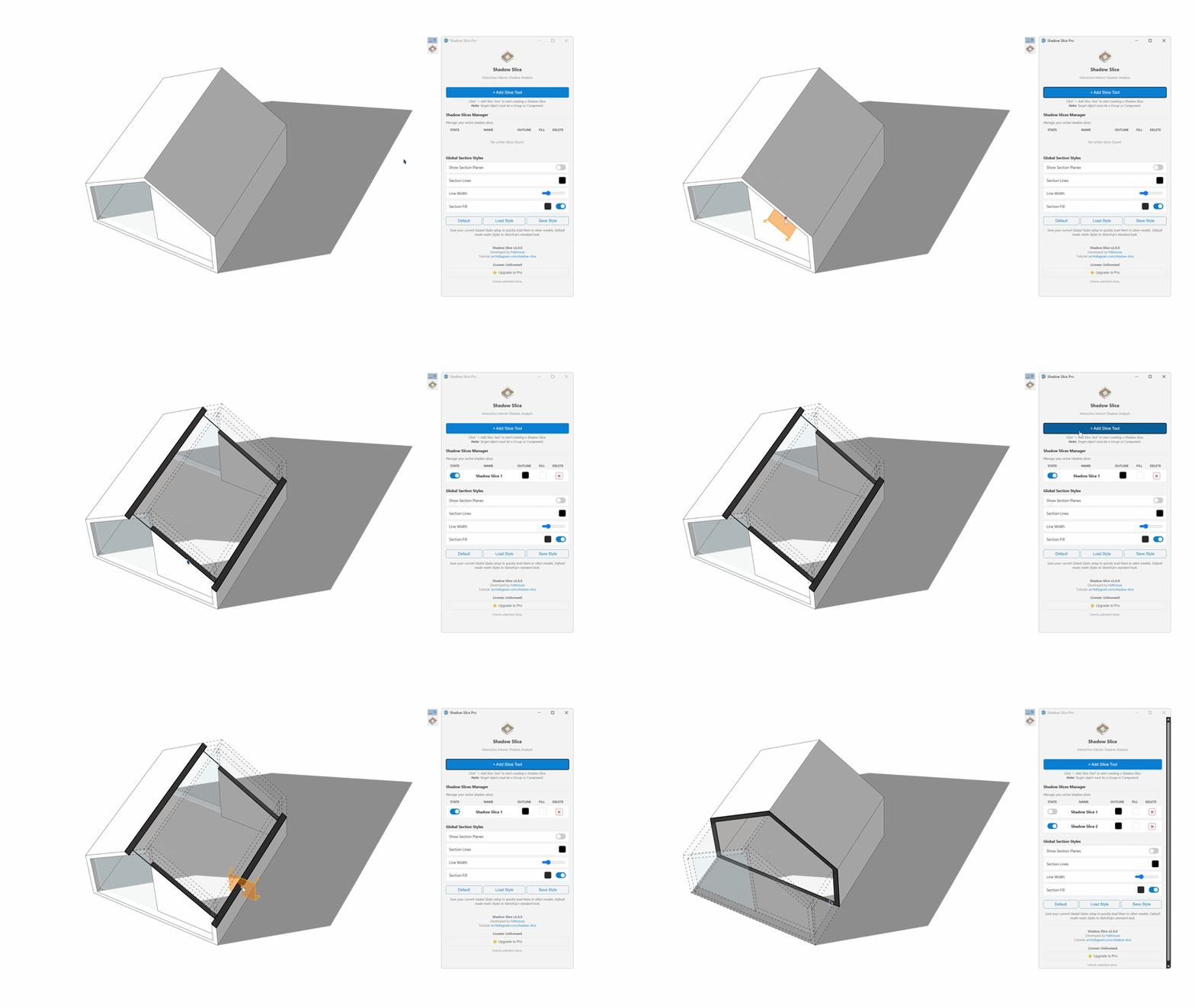
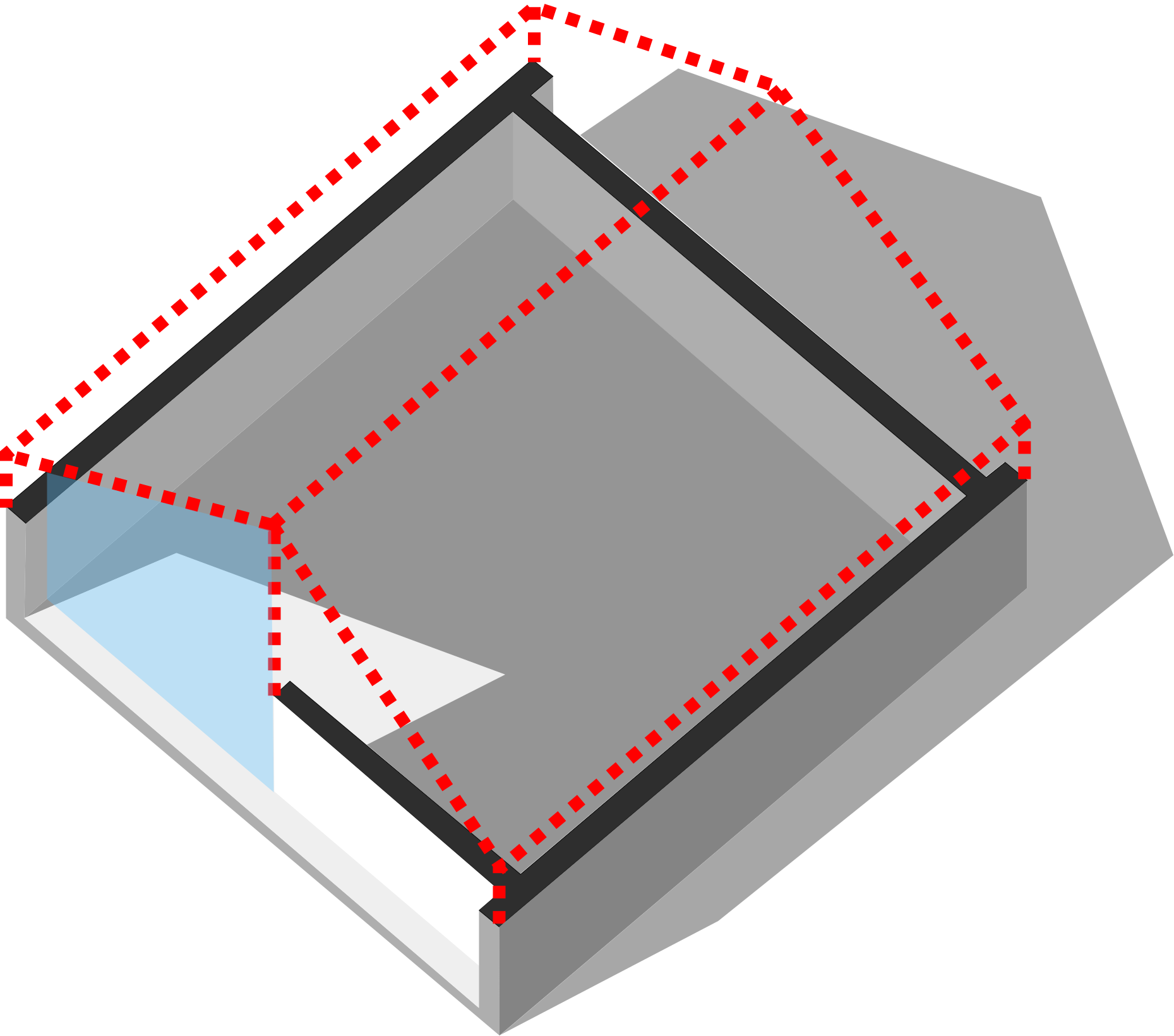
Interior Shadow & Section Tool for SketchUp. Cut away walls and roofs while keeping their natural shadows. The perfect tool for interior sunlight simulation.
Find quick answers to common questions about our extensions, tutorials, and architectural resources.
ArchiDiagram.com is an online platform that provides architectural diagram resources, free tutorials, templates, symbols, and workflow tools to help architects present design ideas clearly and more efficiently.
Many resources—including tutorials, sample files, and basic diagram templates—are completely free. Some advanced tools and premium templates may require purchase through Gumroad.
Not all templates require SketchUp. ArchiDiagram provides files for various formats, including SketchUp (.skp), Photoshop (.psd), and Canva templates. You can choose the format that fits your workflow.
They are professional architectural plugins (offering Free, Studio, and Pro versions). Sun Diagram provides sun path + shadow analysis for SketchUp. Dynamic Symbols provides smart diagram symbols for faster architectural presentations. Both plugins support the diagram workflows featured on ArchiDiagram.com.
No. Most tutorials can be completed without the paid versions. However, using Sun Diagram (Pro/Studio) and Dynamic Symbols (Pro/Studio) will produce more accurate diagrams and reduce the amount of manual work required.
Yes. All free templates and symbols can be used for commercial architectural projects. However, the sample files provided on the website are based on real projects, so you may not include them in your portfolio or professional profile unless you have received explicit permission from us.
You can explore real examples through Tutorial pages, Free sample files, and Instagram / YouTube tutorials published by Febhouse. These samples show complete workflows from concept to final diagram.
For resources hosted on Gumroad with a '$0+' price, you can download them for free by entering 0 in the price box and clicking 'I want this!'. For resources distributed via Instagram, simply comment on the corresponding post, and we will send you a Google Drive download link through DM.
ArchiDiagram is developed and maintained by Nam Nguyen (Nguyen Ha Nam) — the founder of Febhouse. He is an Architect and Software Developer specializing in SketchUp extensions and architectural visualization tools.
For general support, custom diagram inquiries, or file issues, email [email protected]. Support is available daily.
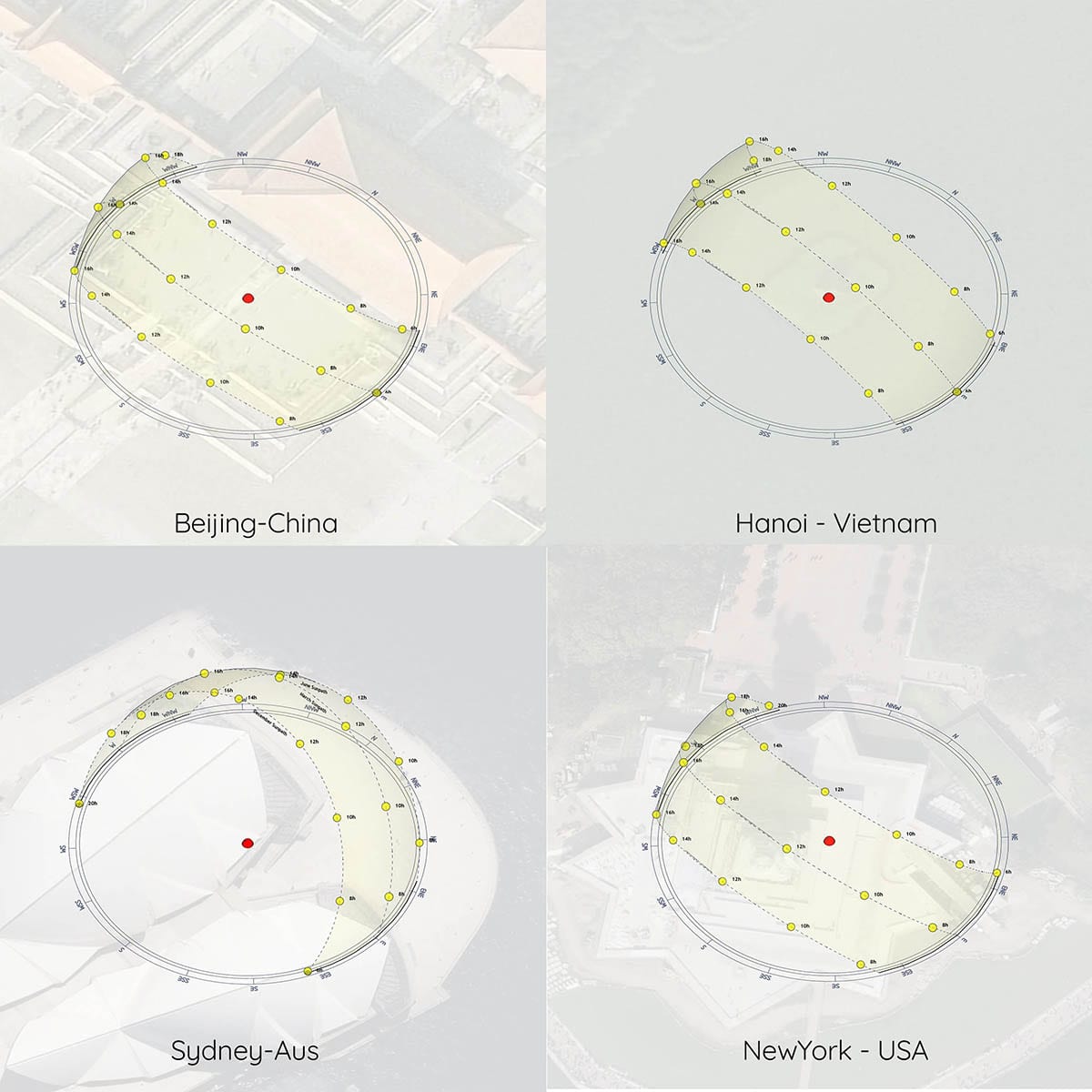
Sun Diagram uses astronomical solar equations based on latitude and longitude coordinates to calculate real-world solar azimuth and altitude angles for any hour, day, and month of the year.
Yes! With Dynamic Symbols, you can click 'Create Animation' to generate sequential SketchUp scenes automatically, and then export high-quality video animations directly via File → Export → Animation.




.svg)